

Who is this document for?
- Employee: Create links to share documents directly from your personal computer.
- Viewer: Receive a link and access the shared document.
Creating a Sharing Link (Employee)
Requirement: Already logged into the Endpoint application on the device.
- Windows
- macOS
1
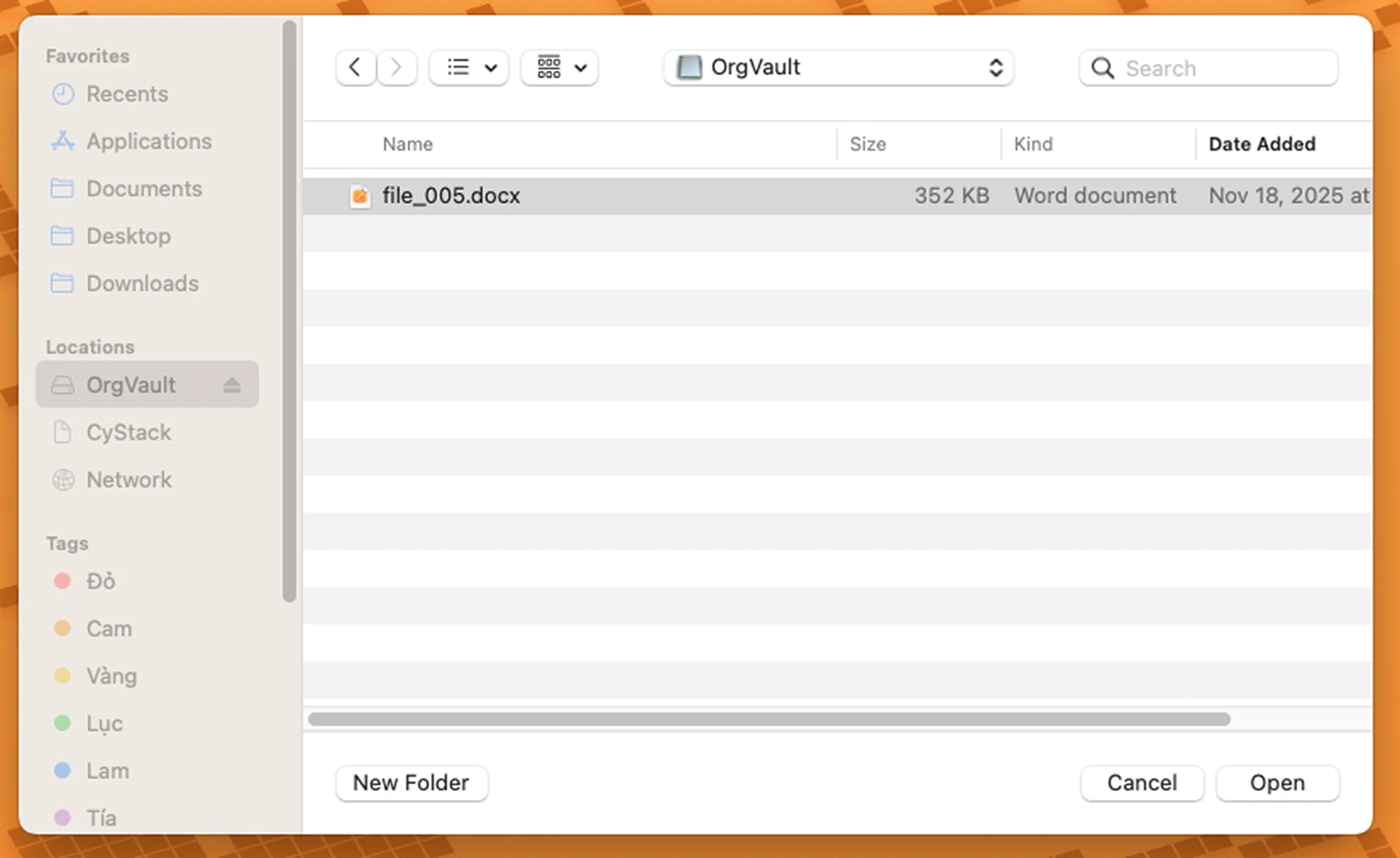
Open the folder containing the document to be shared on your computer.
2
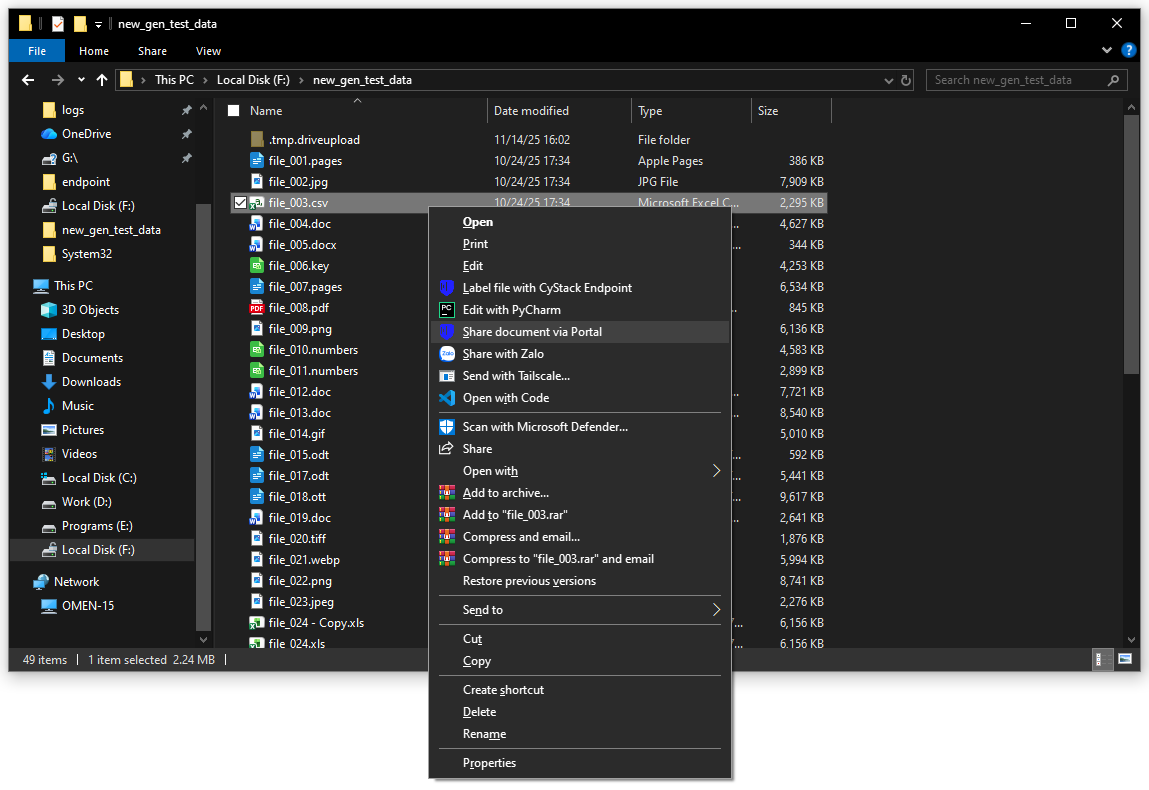
Right-click the document → select Share document via Portal.
3
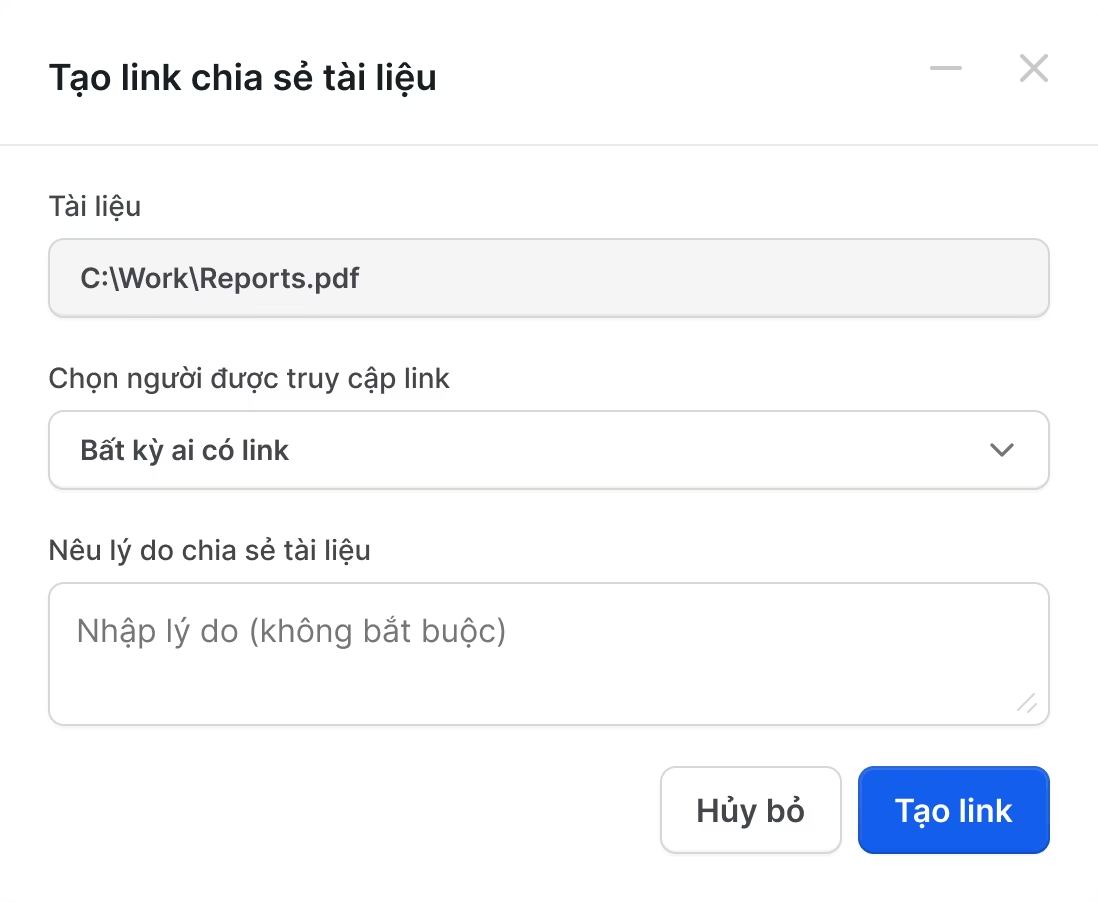
Set access audience: Anyone or Specific Email. Click Share.
4
Result status:
- No approval required: Link is generated immediately (default 30-day expiry).
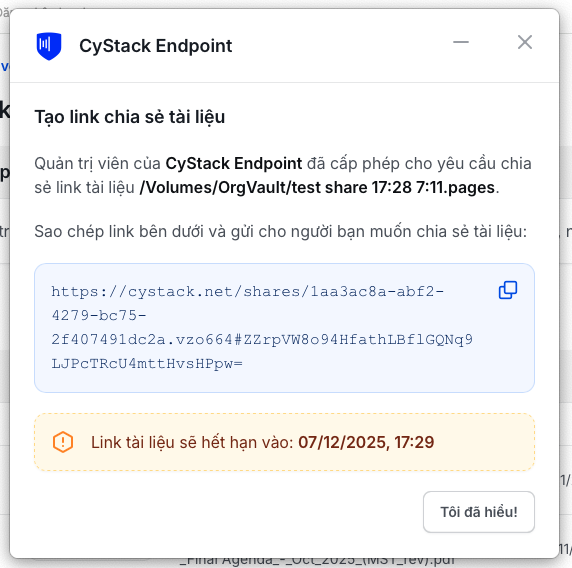
- Approval required: System sends a request to the Approver. Once approved, the link will be displayed on screen and notified via Email.
5
Copy the link and send it to the recipient via any platform.
To retrieve an old link, repeat from Step 2 on the same file. The link remains valid if it has not expired or been stopped.
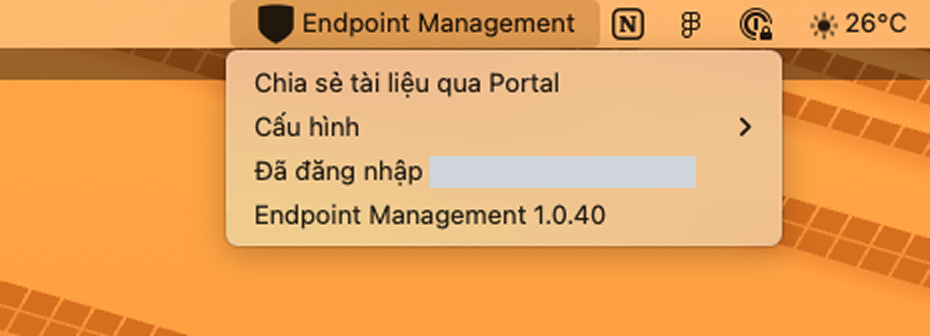
If the workspace has Approval Mode enabled, the link will only be created after an Approver grants permission. See: Setup & Document Sharing Review.
Viewing a Shared Document (Viewer)
1
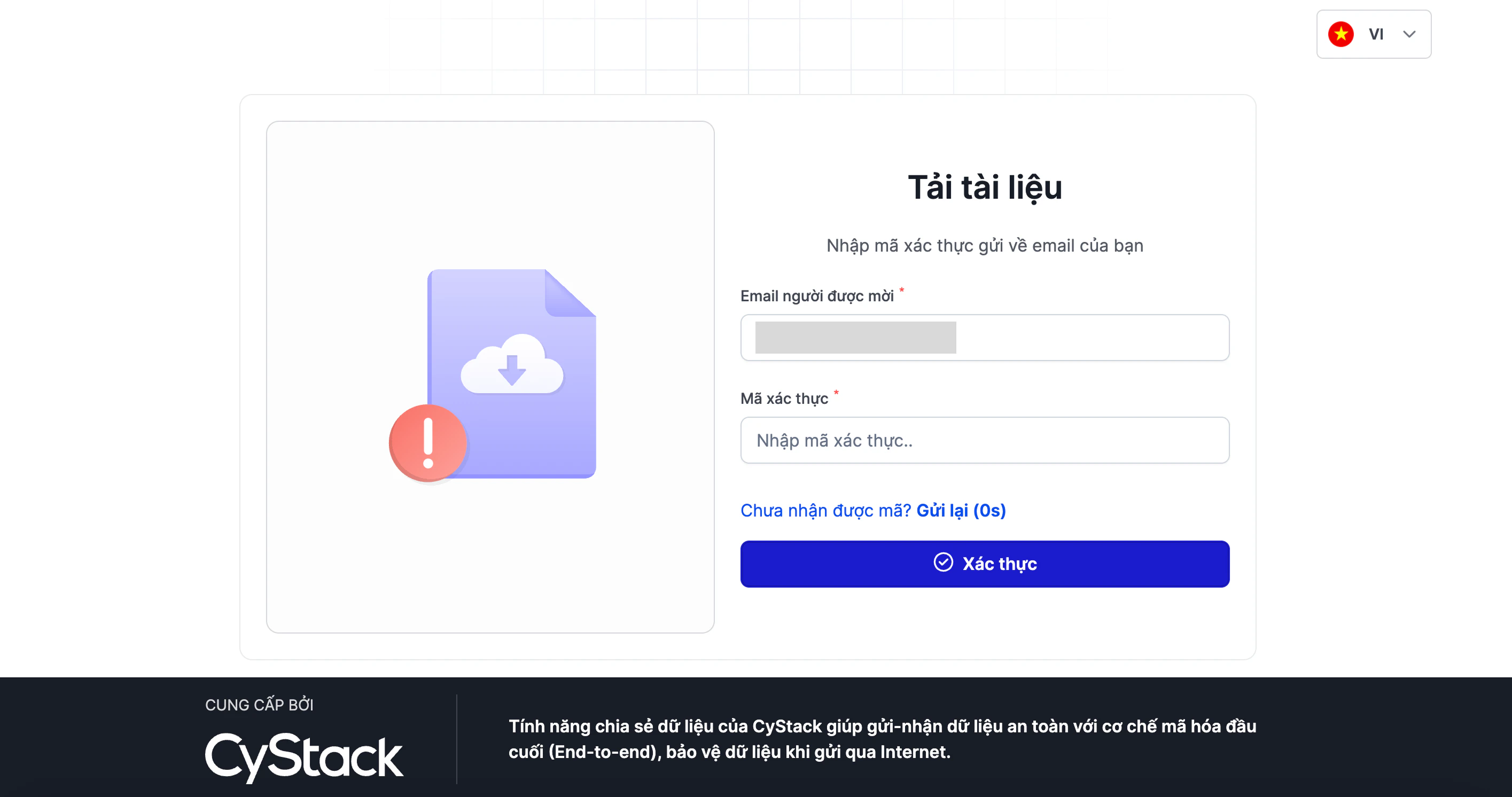
Access the document link received from the sender.
2
If the link is Restricted, enter the authorized Email address for verification before viewing or downloading the file.
Sharing links have a default expiry of 30 days. If the link has expired or been revoked, contact the sender to generate a new one.