

Use Cases:
- Off-hours Maintenance: Remotely and automatically reboot endpoints after Windows updates or security patch installations at any time.
- Incident Response: Immediately shut down or isolate compromised devices upon detection of malware or ransomware to contain threats and prevent lateral movement within the network.
Remote Restart
1
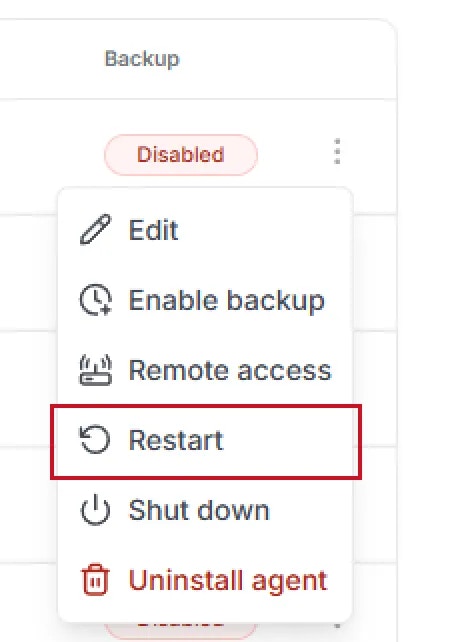
On the "Device" page, click the ⋮ button next to the target device → select Restart.
2
The device will initiate the restart process as requested.
Remote Shutdown
1
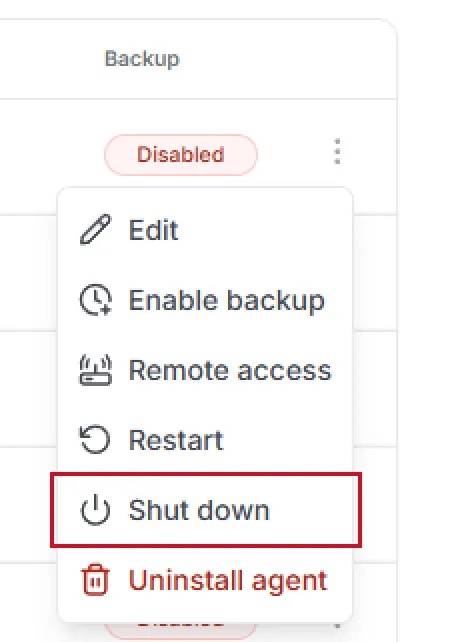
On the "Device" page, click the ⋮ button next to the target device → select Shutdown.
2
The device will shut down as requested.