Use Cases
- Prevent unauthorized exfiltration of sensitive corporate data via external USB drives.
- Mitigate the risk of malware introduction from unmanaged or infected external storage devices.
Configuration Workflow
1
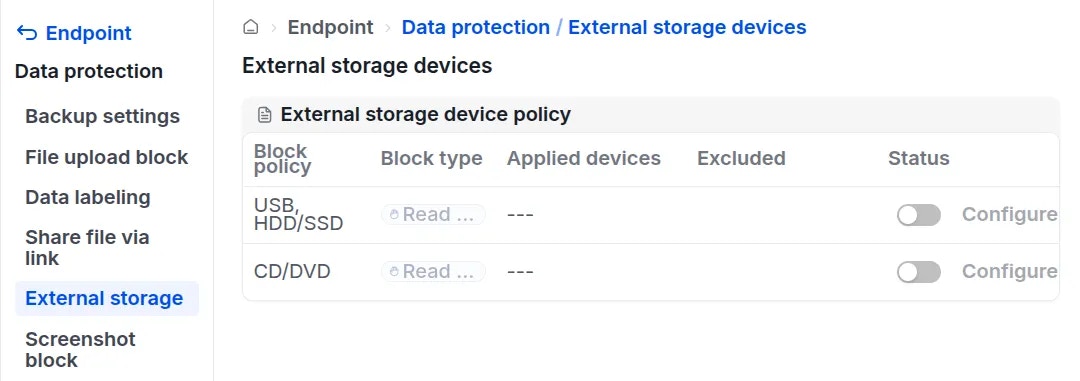
Navigate to "Endpoint" → "Data protection" → "External storage".
2
To restrict USB, HDD/SSD, or CD/DVD usage, toggle the Status switch for the corresponding device type.
3
Configure the blocking permissions:
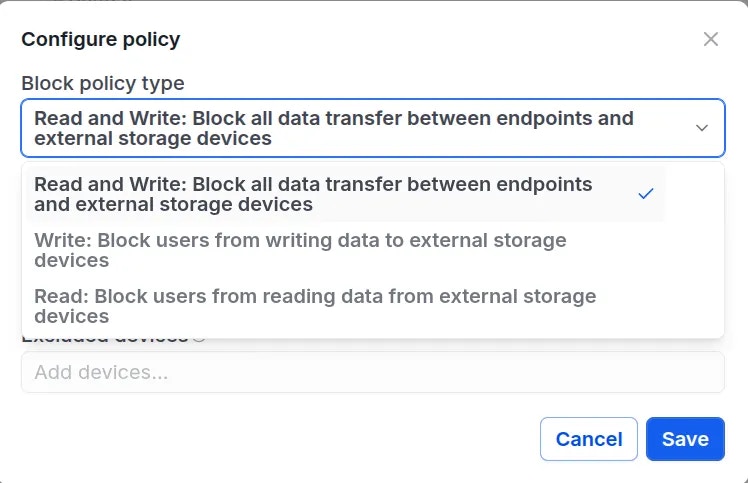
In the pop-up window, select the desired restriction level:
- Read: Prevents the endpoint from reading data from the external storage device. Users can still write data to the device.
- Write: Prevents users from writing data to the external storage device. Users can still read data from the device.
-
Read and Write: Blocks all bidirectional data transfer between the endpoint and the external storage device.
4
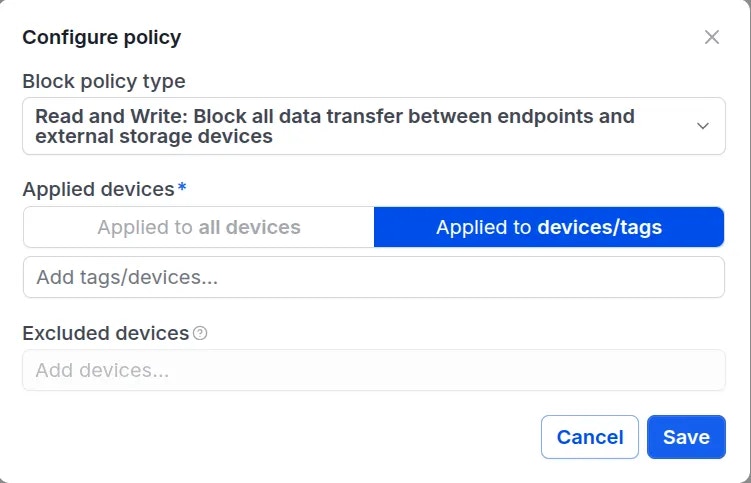
Select the target devices or device groups (by tag) to enforce the policy. Specific devices can also be excluded from the policy scope if necessary.
5
Click Save to apply the configuration. The specified restrictions will be enforced on the selected endpoints immediately.
6
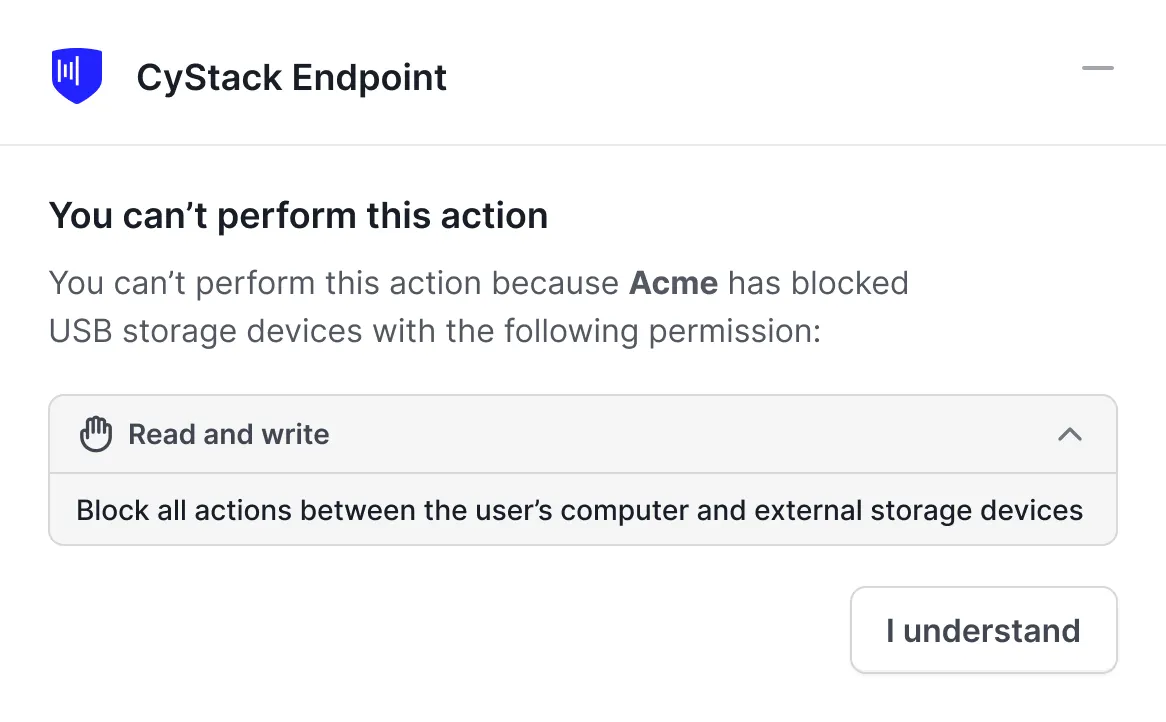
When a user attempts to connect an external storage device (e.g., a USB drive) to a managed endpoint, a system notification will appear indicating that access is restricted: