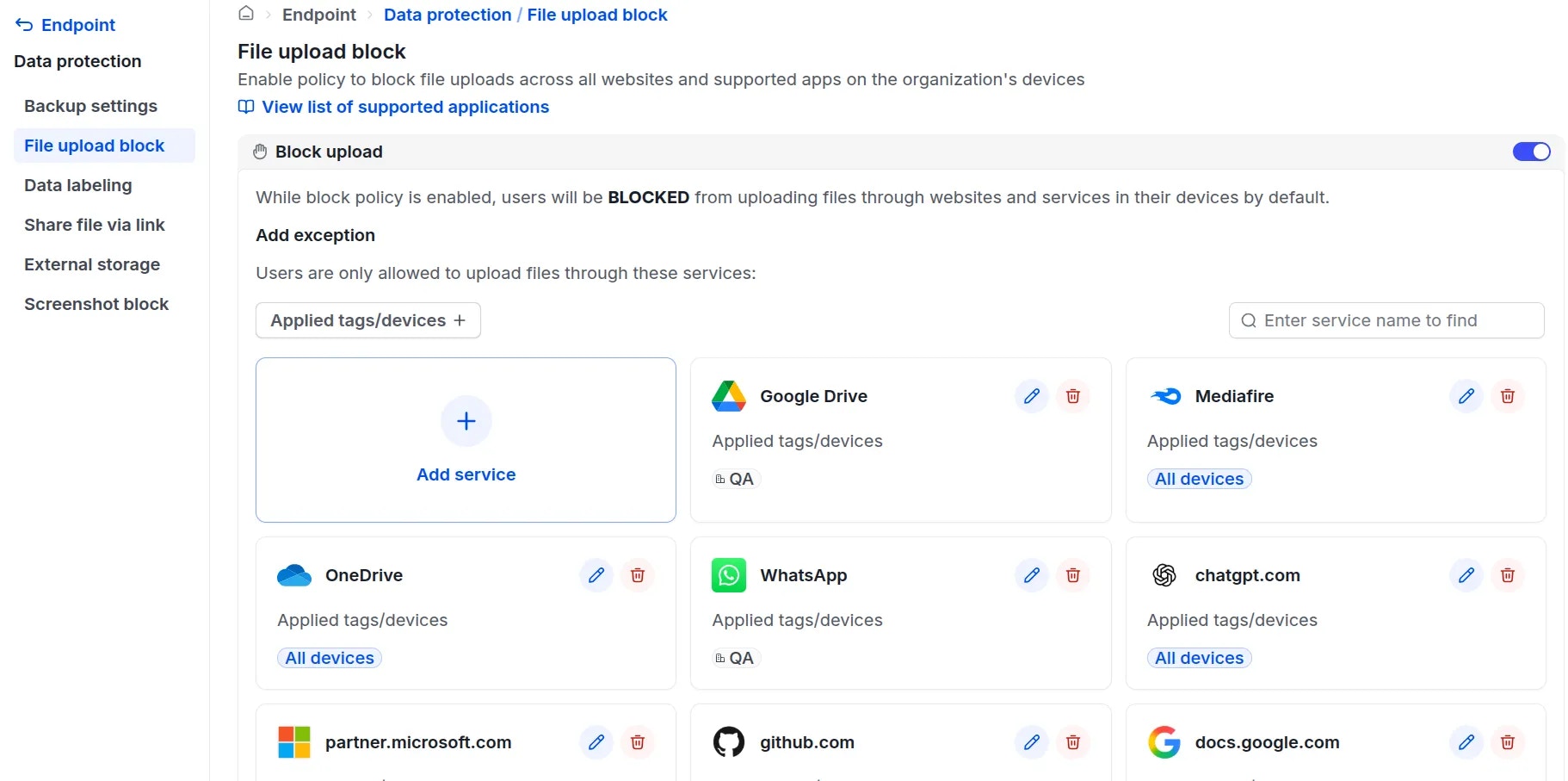
Use Cases
- Prevent employees from intentionally uploading sensitive company data to competitors.
- Block users from accidentally uploading data to unapproved or insecure channels, which could lead to data leakage.
- Zalo
- Telegram
- Discord
- Slack
- Outlook
- Cloudflare
- Fshare
- Google Drive
- OneDrive
- Mediafire
- Base.vn
- Salework (Zalo)
Feature Workflow Details
1
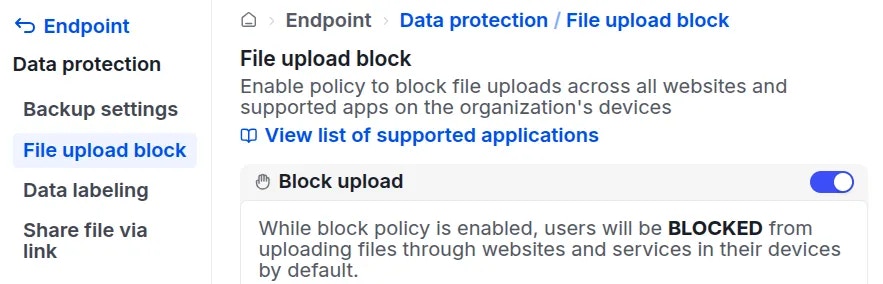
2
Example: An employee attempting to upload a file via Zalo will be blocked, and the upload will be flagged as failed, as shown in the image.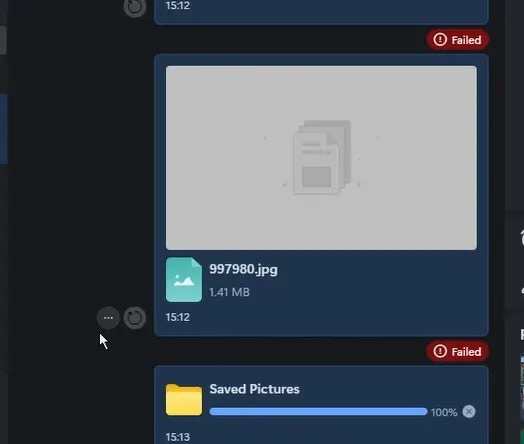
To Allow File Uploads for Specific Applications, Administrators Can:
1
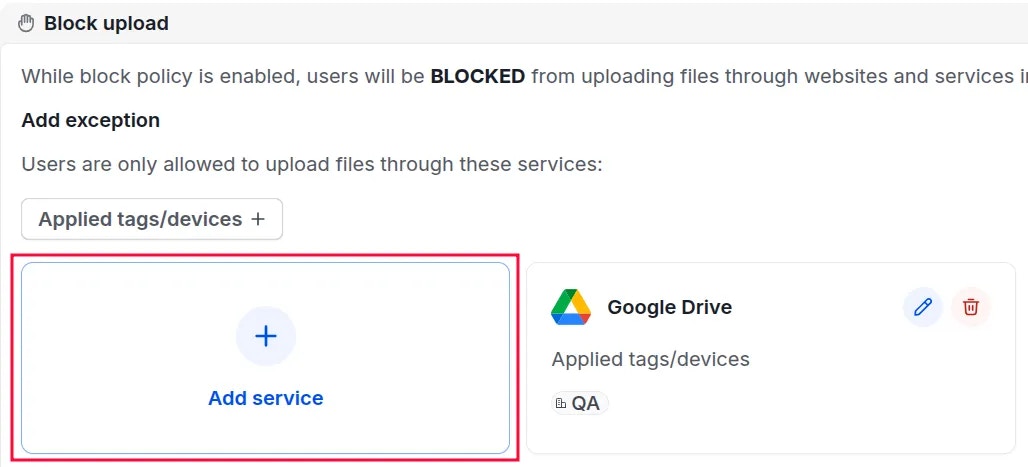
2
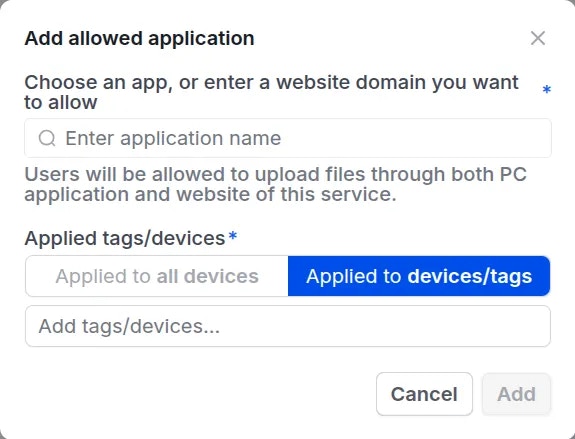
3