Overview
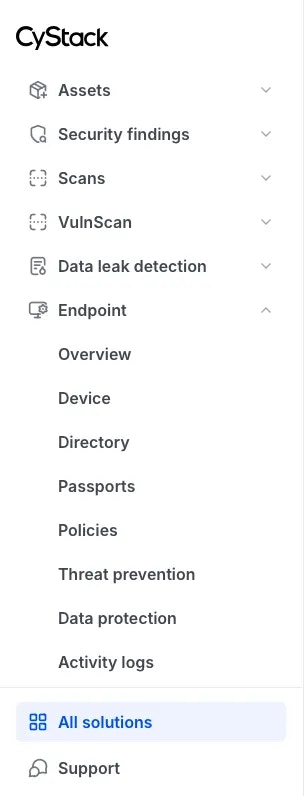
The left sidebar provides access to all products and services included in your subscription, organized by their respective functionality. The Endpoint product is organized into the following categories:- Overview
- Device
- Directory
- Passports
- Policies
- Threat prevention
- Data protection
- Activity logs
All solutions Page
All solutions
The All solutions tab located at the top of the top bar contains the complete portfolio of products and services provided by CyStack, centrally managed within the CyStack Platform. Users can locate and launch CyStack Endpoint from this page.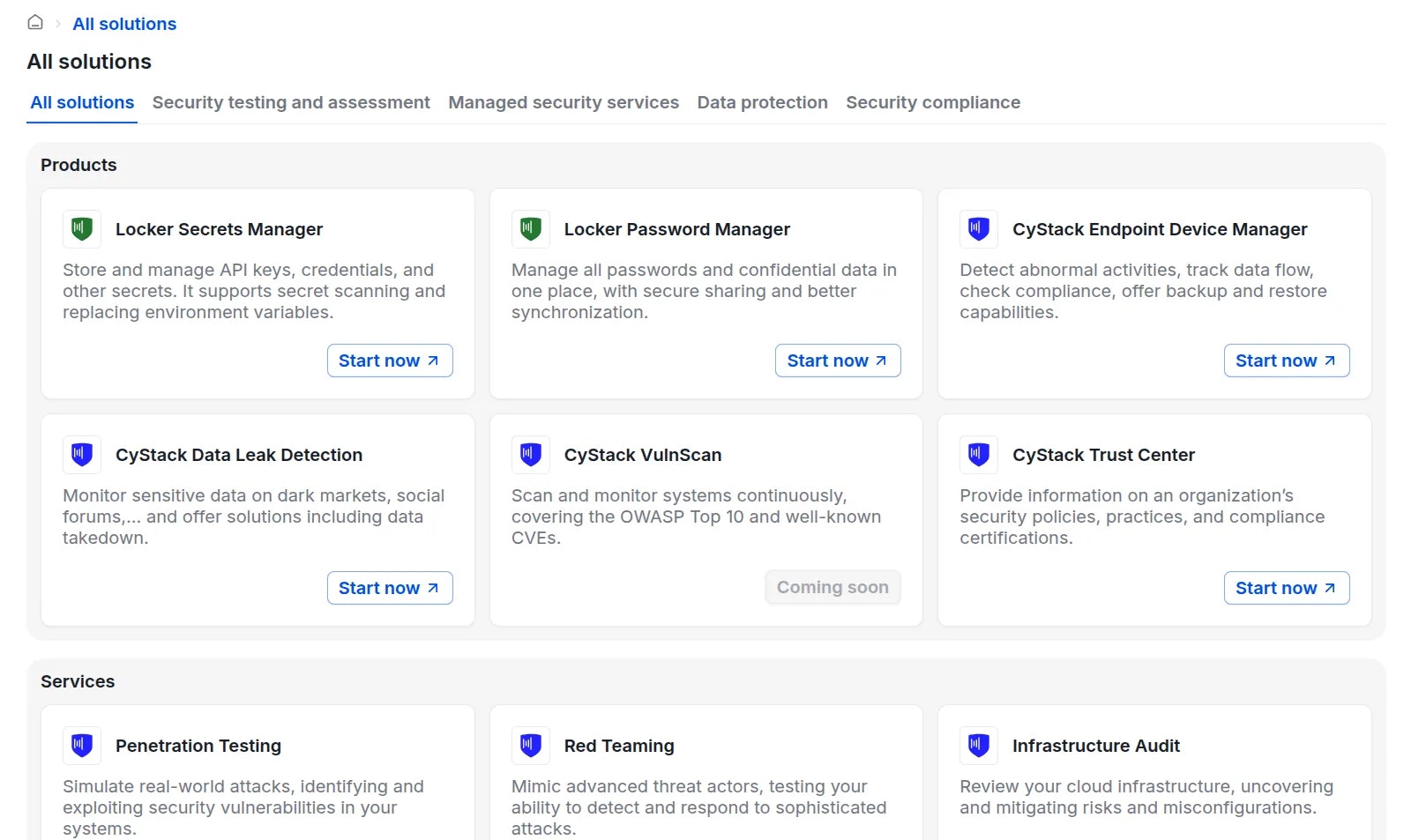
Security testing and assessment
Managed security services
Data protection
Security compliance
Account Settings
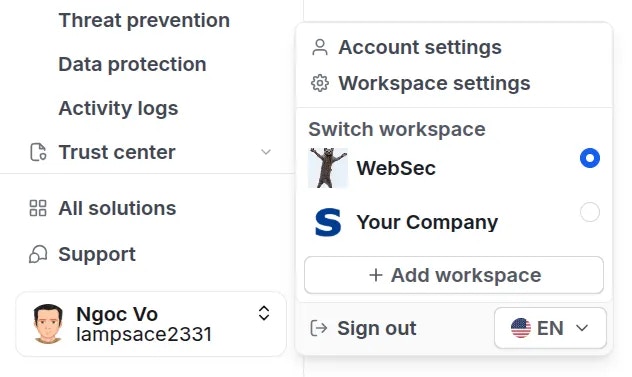
Click on the Account section at the bottom right of the screen to access the following options:- Account settings
- Workspace settings: Edit basic organization details, manage workspace members, and update billing information.
- Switch between workspaces
- Create a new workspace
- Sign out
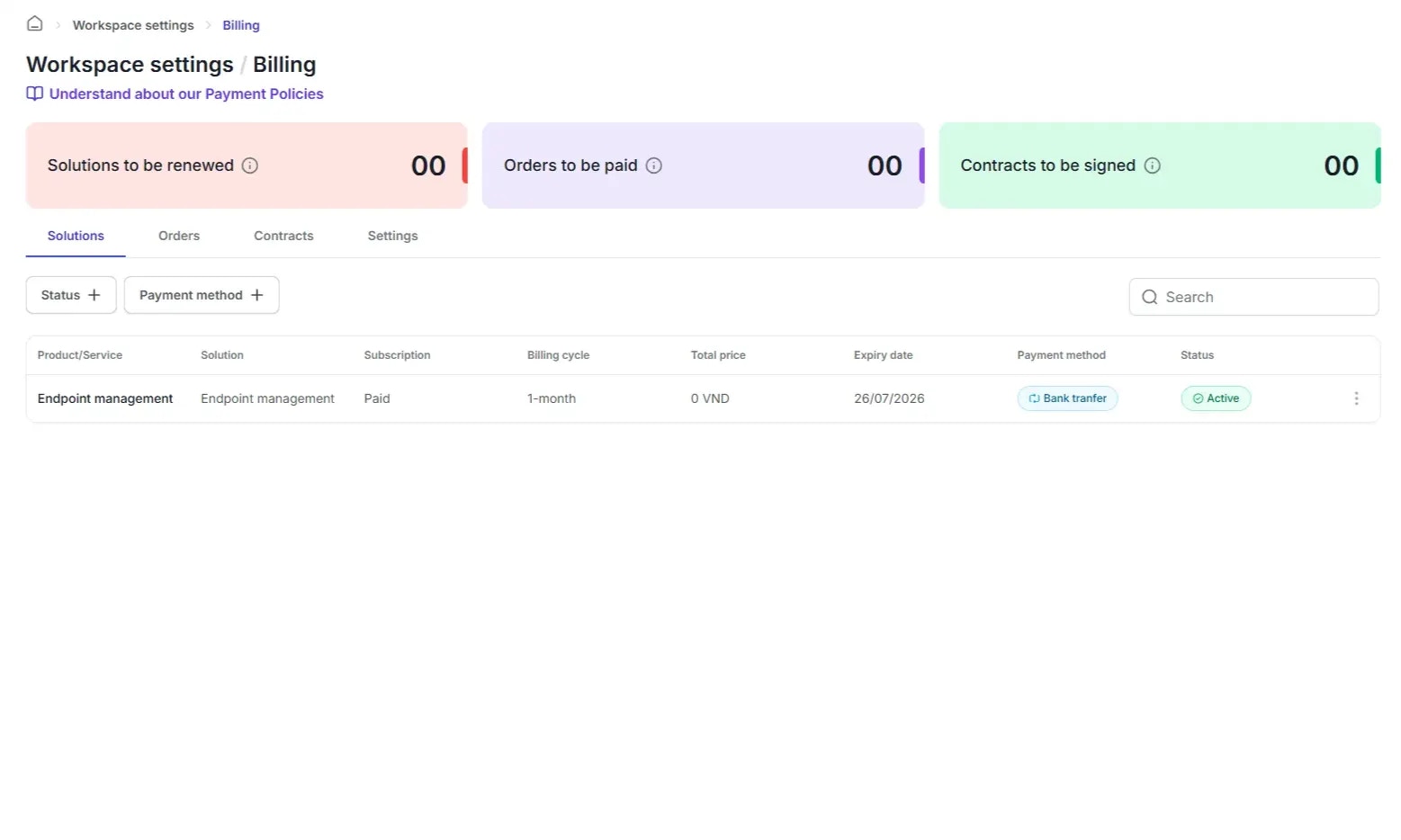
Billing
The Billing section consists of 4 tabs:- Solutions: Lists the active product and service packages currently used by your organization.
- Orders: Displays a history of paid and pending invoices.
- Contracts: Stores signed agreements between your organization and CyStack.
- Settings: Modifies your organization’s billing contact information.
Support
Click the “Support” button at the bottom of the sidebar to open a chat window on the right side of the screen. Users can communicate directly with the CyStack team via this chat interface or contact support via email at support@cystack.net.