

CyStack Platform is a centralized security management platform providing actionable visibility, enabling technical teams and leadership to quickly assess security posture and make informed decisions.The platform integrates a comprehensive suite of data protection tools for enterprises: device monitoring, password and secret key management, data leak detection, automated vulnerability scanning, and project management. All within a single unified platform.
Create a CyStack Account
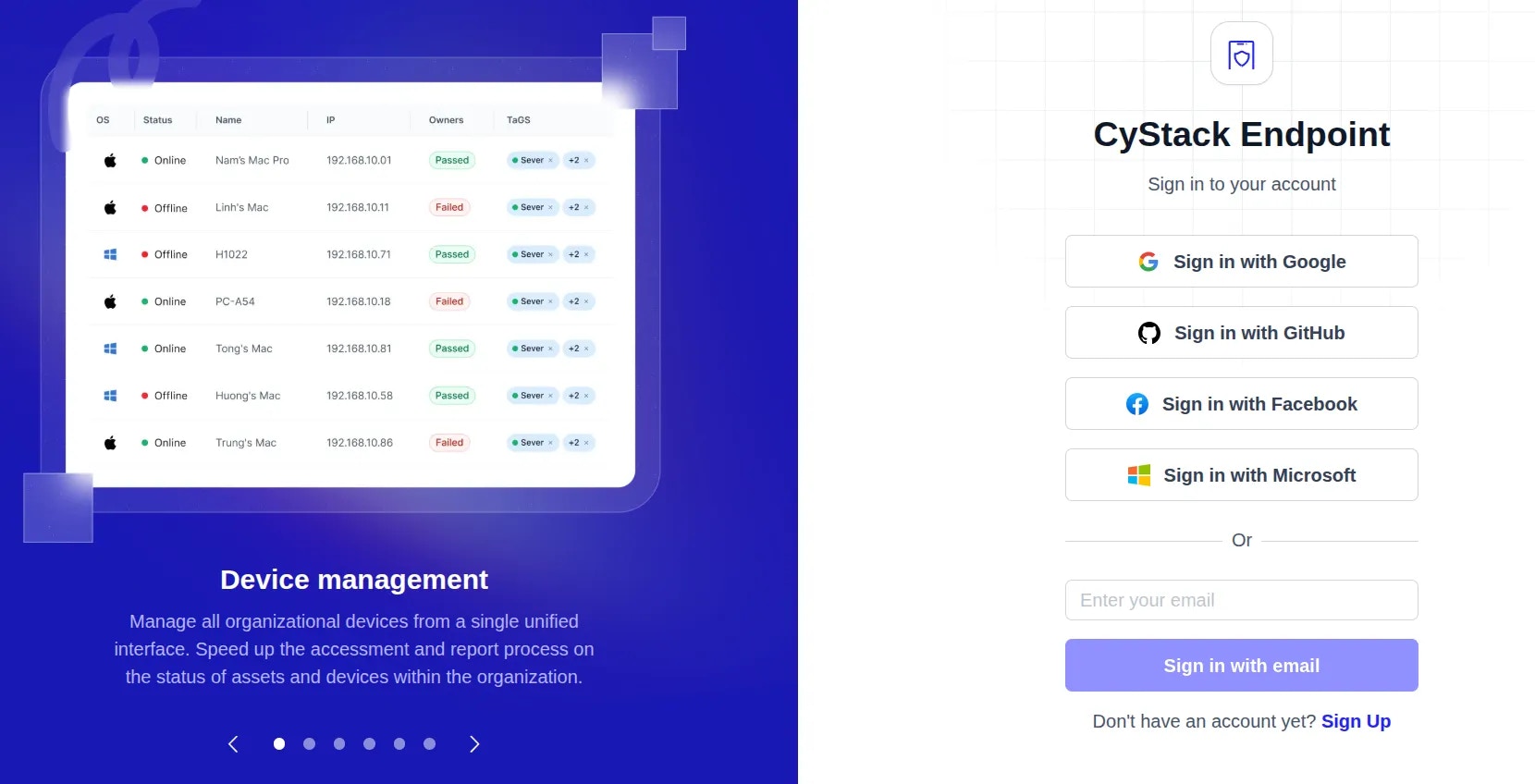
To get started with CyStack Platform, visit the Sign Up page. Users can create an account using one of the following methods:- SSO: Quick registration using a Google or GitHub account linked to your business email.
- Business Email: Enter your business email address to create a new account.
Create a Workspace and Get Started
Once your account is successfully created, follow these steps to begin using the platform:1
Initiate Workspace
Enter the required information and click the 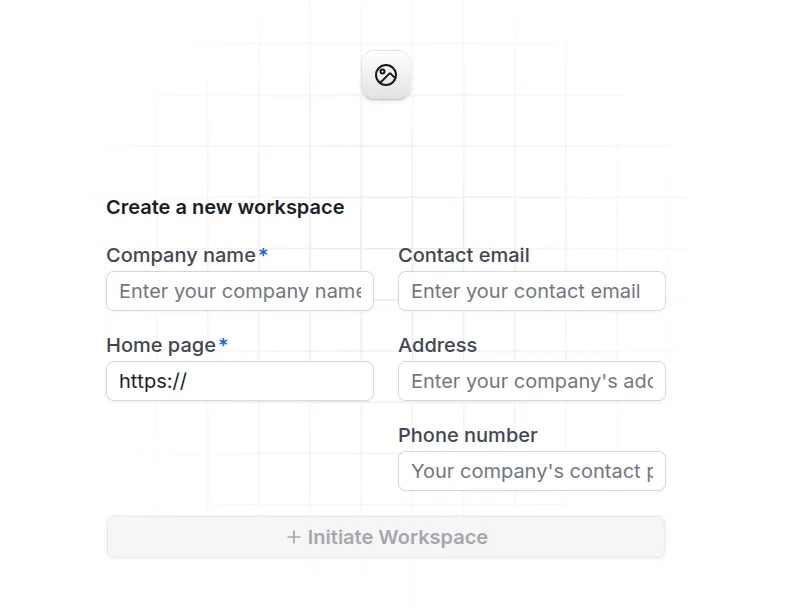
Initiate workspace button.2
Access Endpoint
After creating the workspace, navigate to All solutions click the 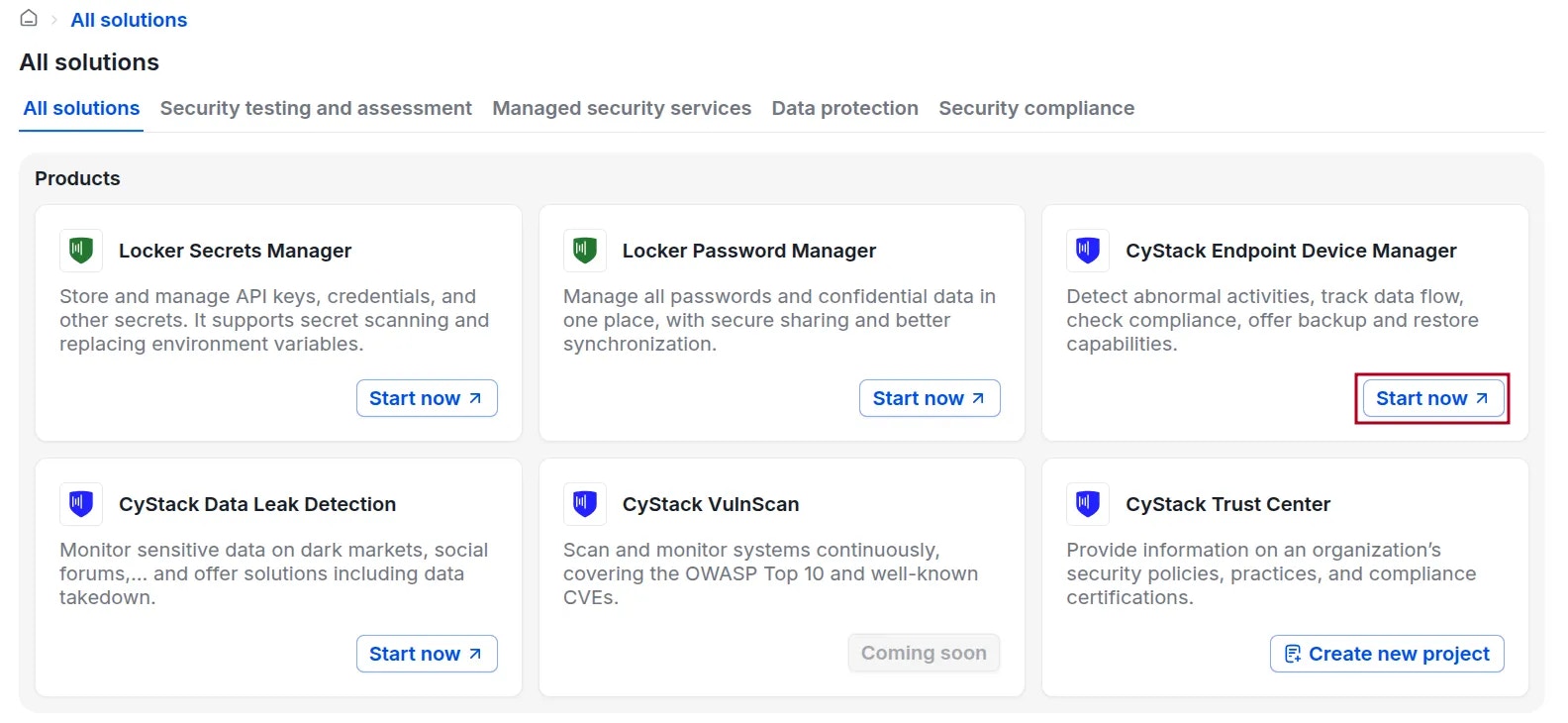
Start now button for the product CyStack Endpoint Device Manager.3
Select a Plan
On the Endpoint plans page, select either 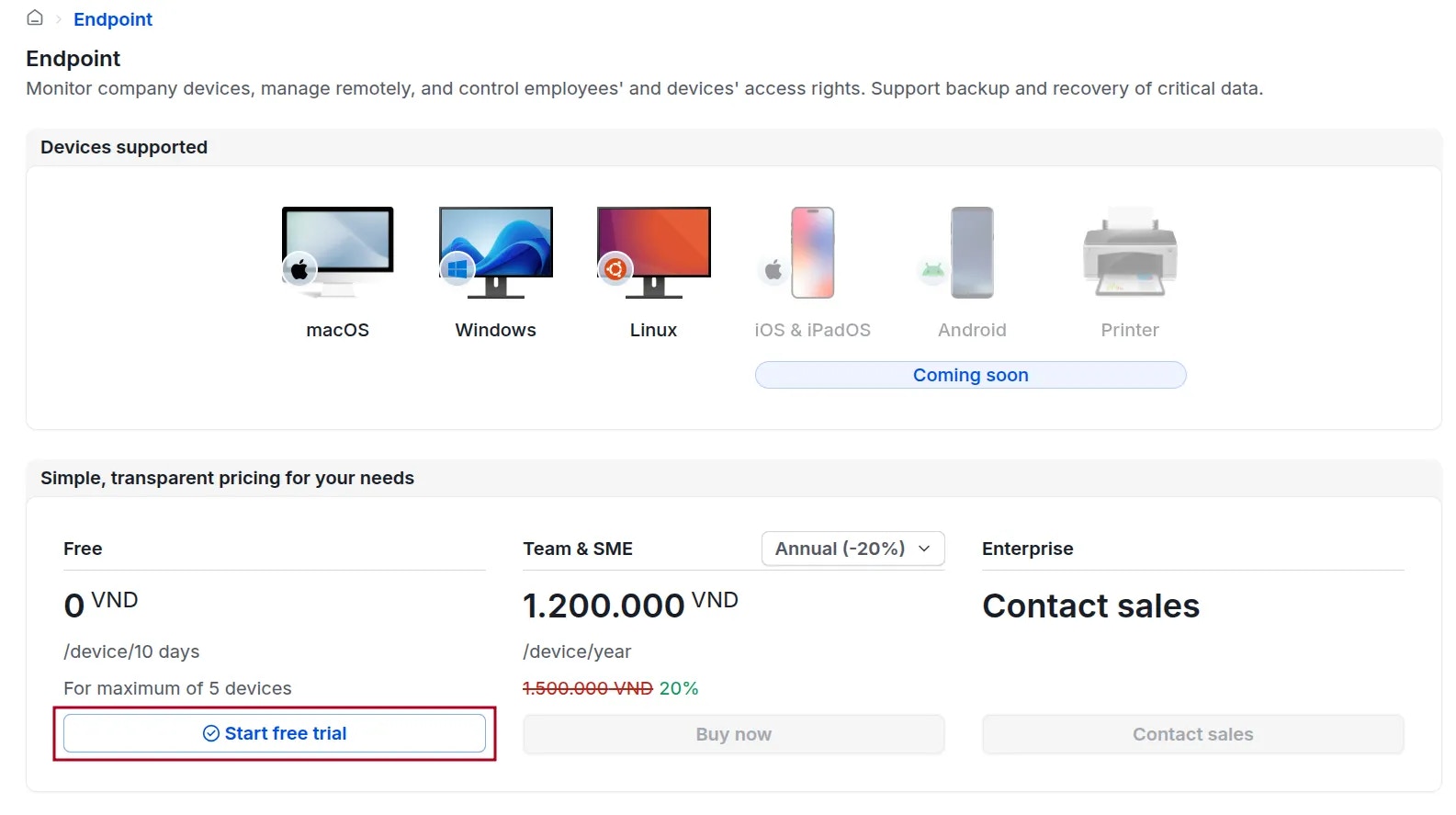
Start free trial or Buy now, then provide the necessary details to activate the service.4
Receive Instructions via Email
Upon successful registration, you will receive an email containing instructions on how to start using the product.
5
Wait for Agent Installer Generation
CyStack will generate a customized Agent installer for your organization (this process takes about 3-5 minutes). Administrators will be notified via email once the installer is ready.Locate the installer at: Endpoint Device click the 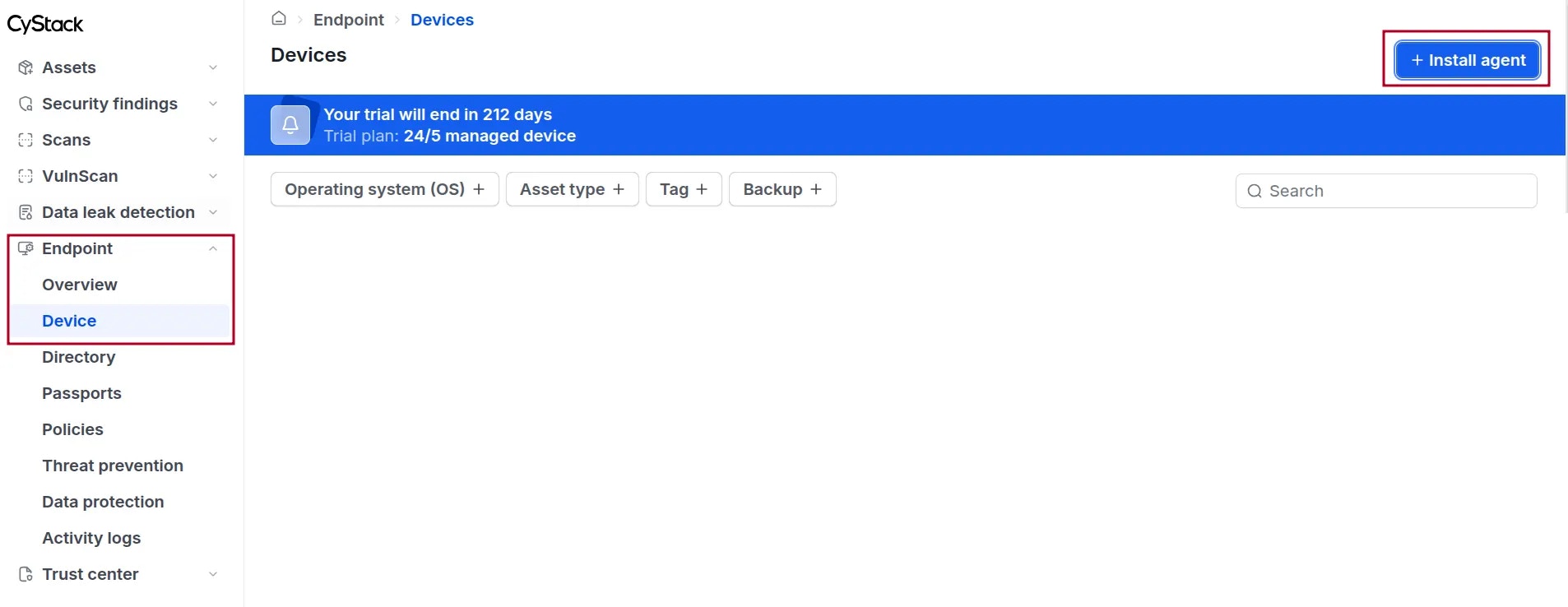
Install agent button.6
Install Agent on Devices
Administrators may ask users to download and install the Agent on the devices to be managed. View detailed instructions