Main Areas
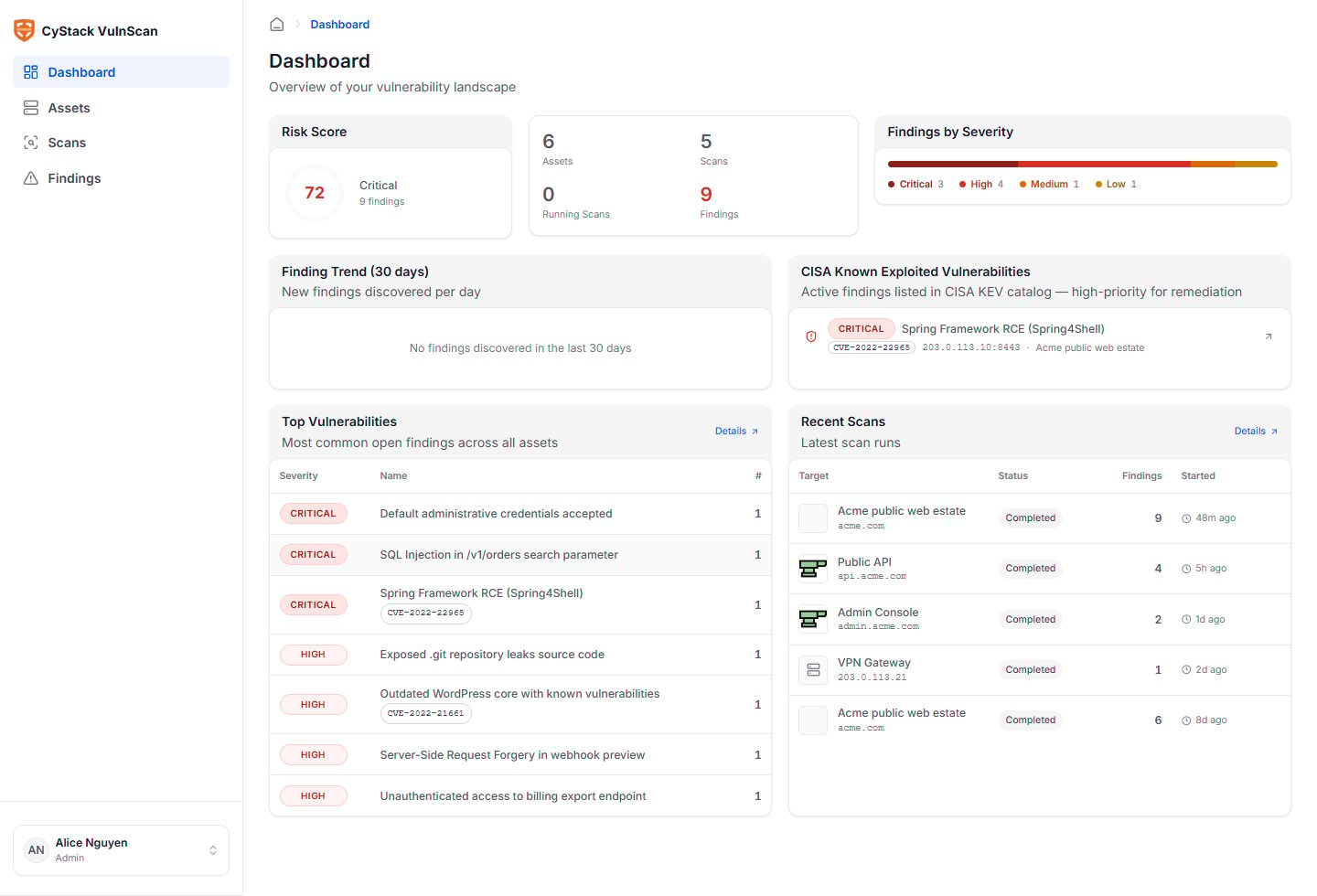
Dashboard
Use the dashboard to understand current exposure before drilling into technical detail:- Total assets under management.
- Number of scans and scan health.
- Critical, High, Medium, Low, and Informational findings.
- Recently completed scans.
- High-priority issues requiring remediation.
- Trend and distribution indicators where enough scan history exists.
User Menu
The user menu is intentionally separated from workspace administration. It contains settings that affect only the signed-in user:- Personal details and display name.
- Password change.
- Interface language.
- Logout.
Asset Workflow
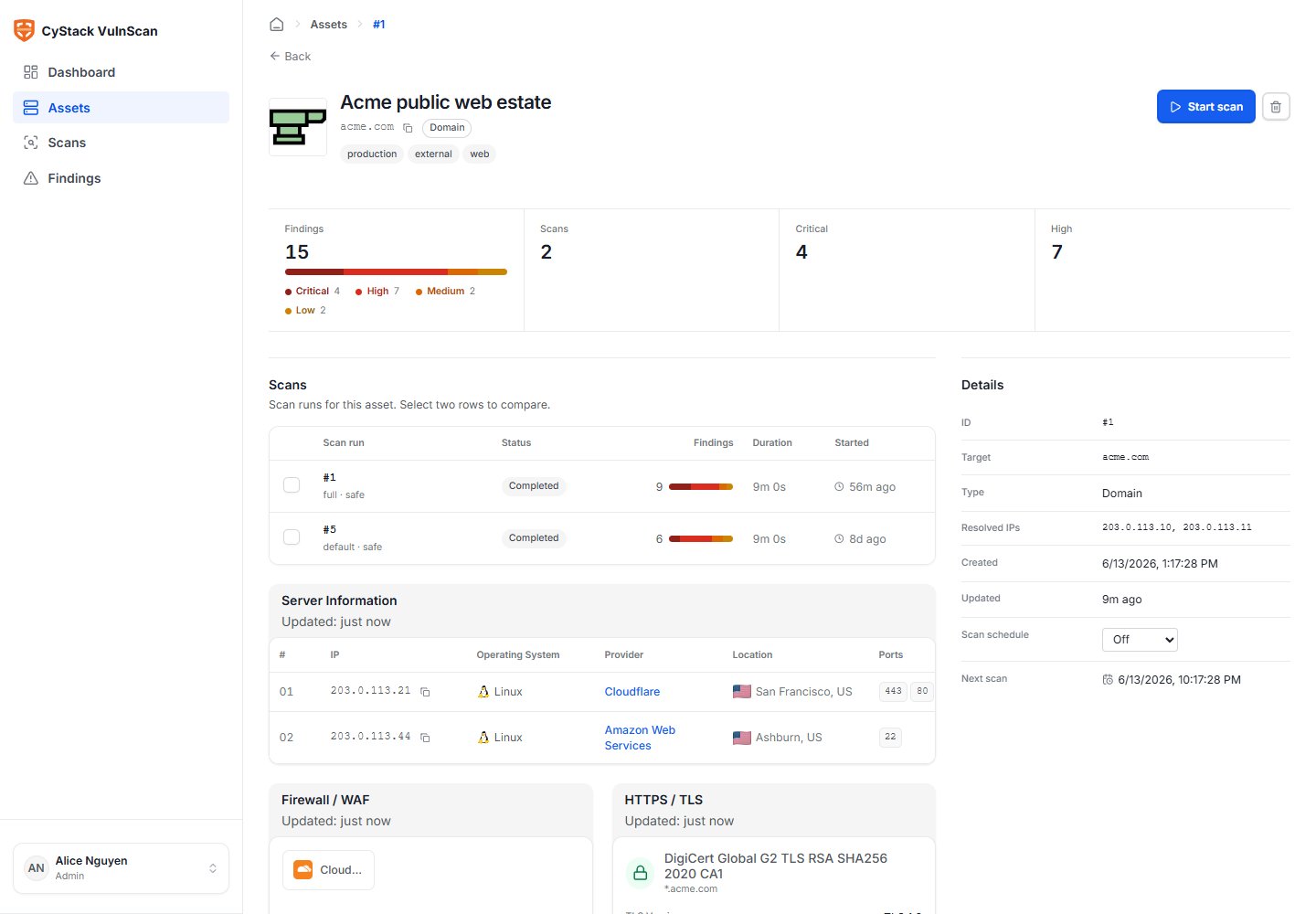
The asset workflow starts with a licensed target and ends with normalized scan scope.- Open Assets.
- Add a root domain, URL, IP, or CIDR range.
- Review discovery signals on the asset detail page.
- Confirm subdomains, services, TLS, WAF/CDN, and technology fingerprints.
- Start a scan only after the asset context looks correct.
Scan Workflow
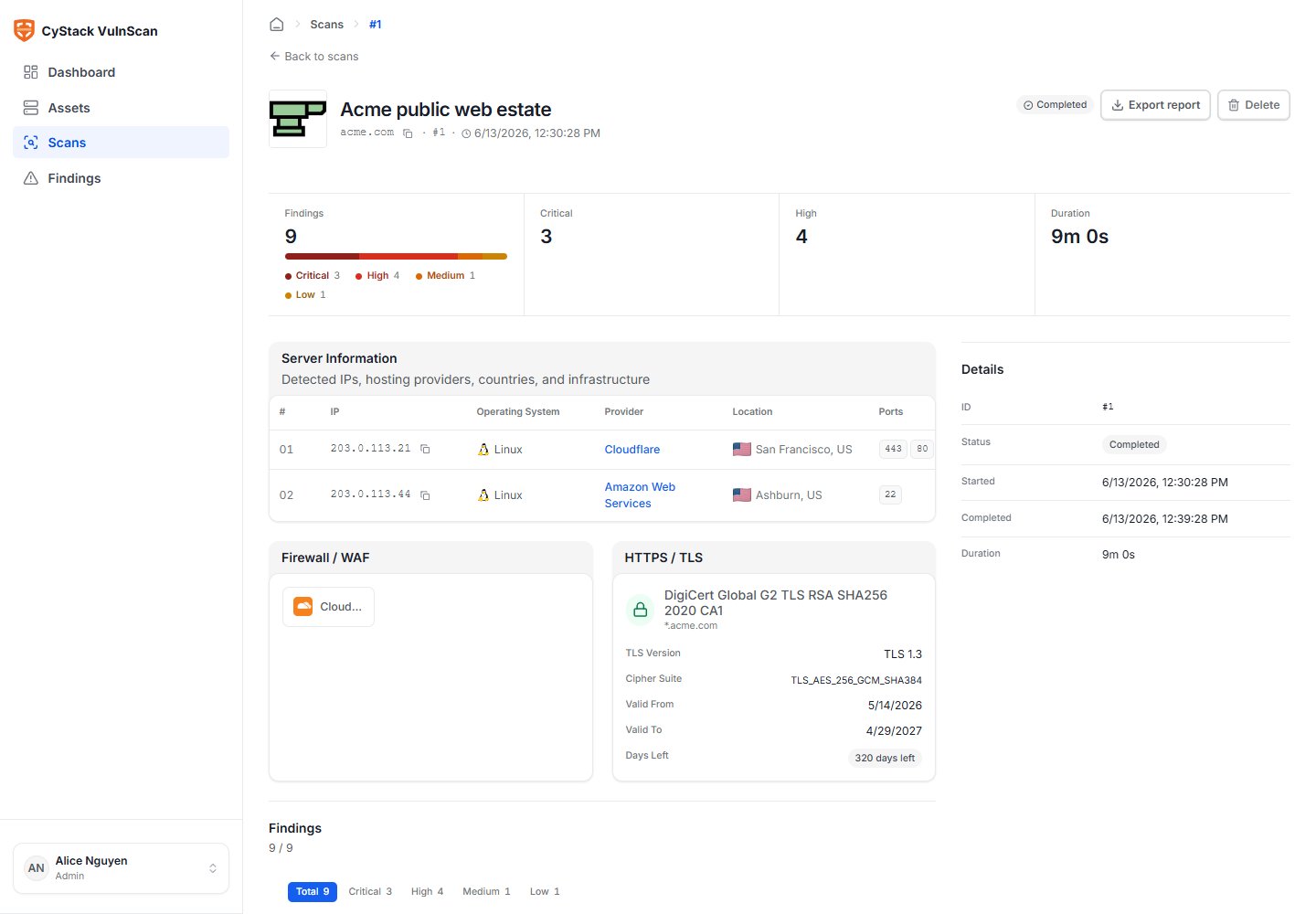
The scan workflow is designed to make scope and source visible:- Start a scan from the asset detail page or scan list.
- Add authentication context if the application requires it.
- Monitor status in the scan detail page.
- Review discovered services and vulnerability counts.
- Triage findings from Critical to Low.
- Export CSV/JSON for technical workflows or PDF for management distribution.
Finding Workflow
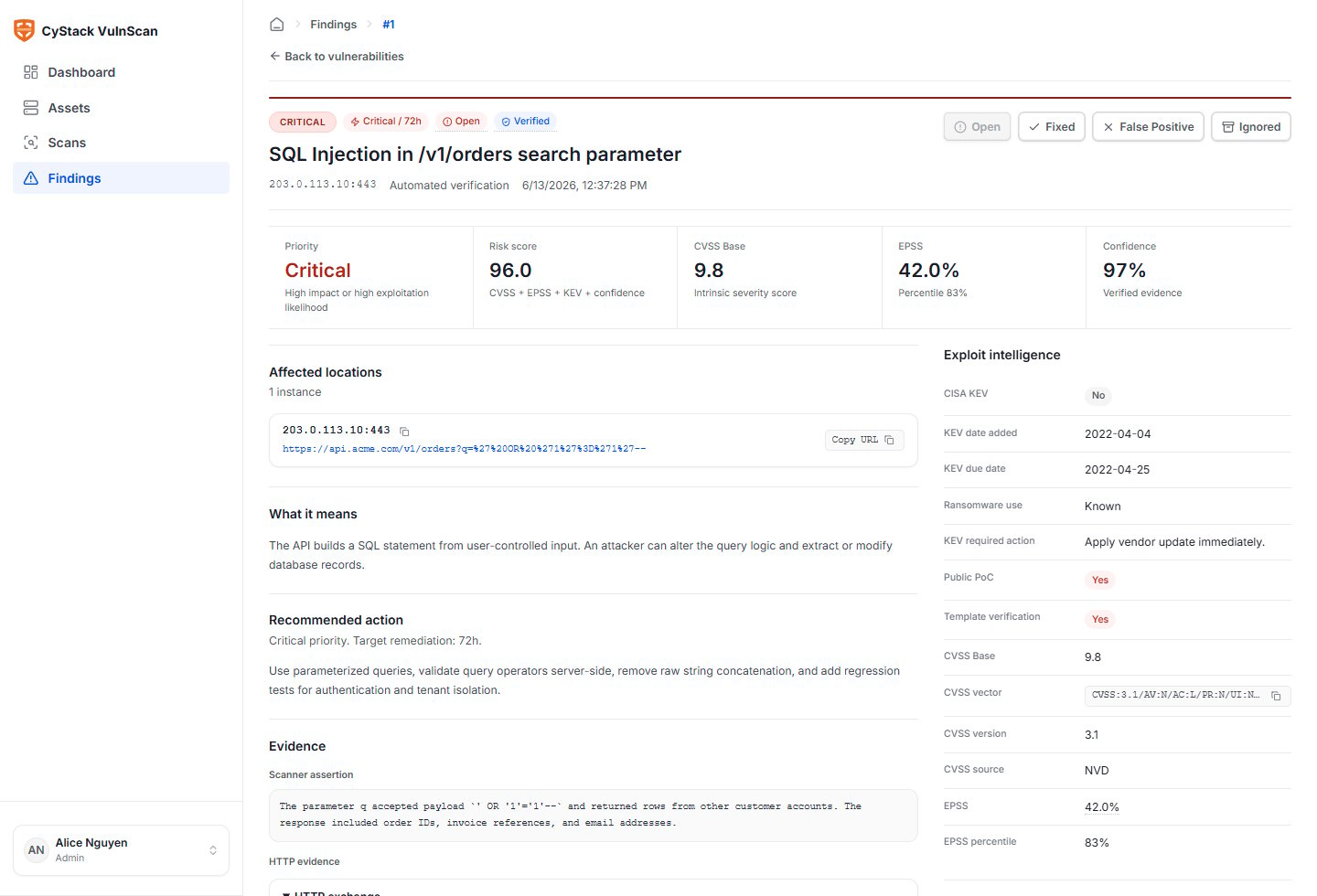
The finding workflow focuses on evidence and remediation:- Open the finding detail page.
- Validate the affected asset, URL, parameter, port, service, or component.
- Review evidence, confidence, severity, CVSS, EPSS, KEV, CWE, OWASP, and WSTG mapping.
- Assign the finding to the correct owner if your workflow uses ownership.
- Track status until the issue is fixed or formally accepted.
- Re-scan the affected asset to confirm remediation.
Workspace Administration
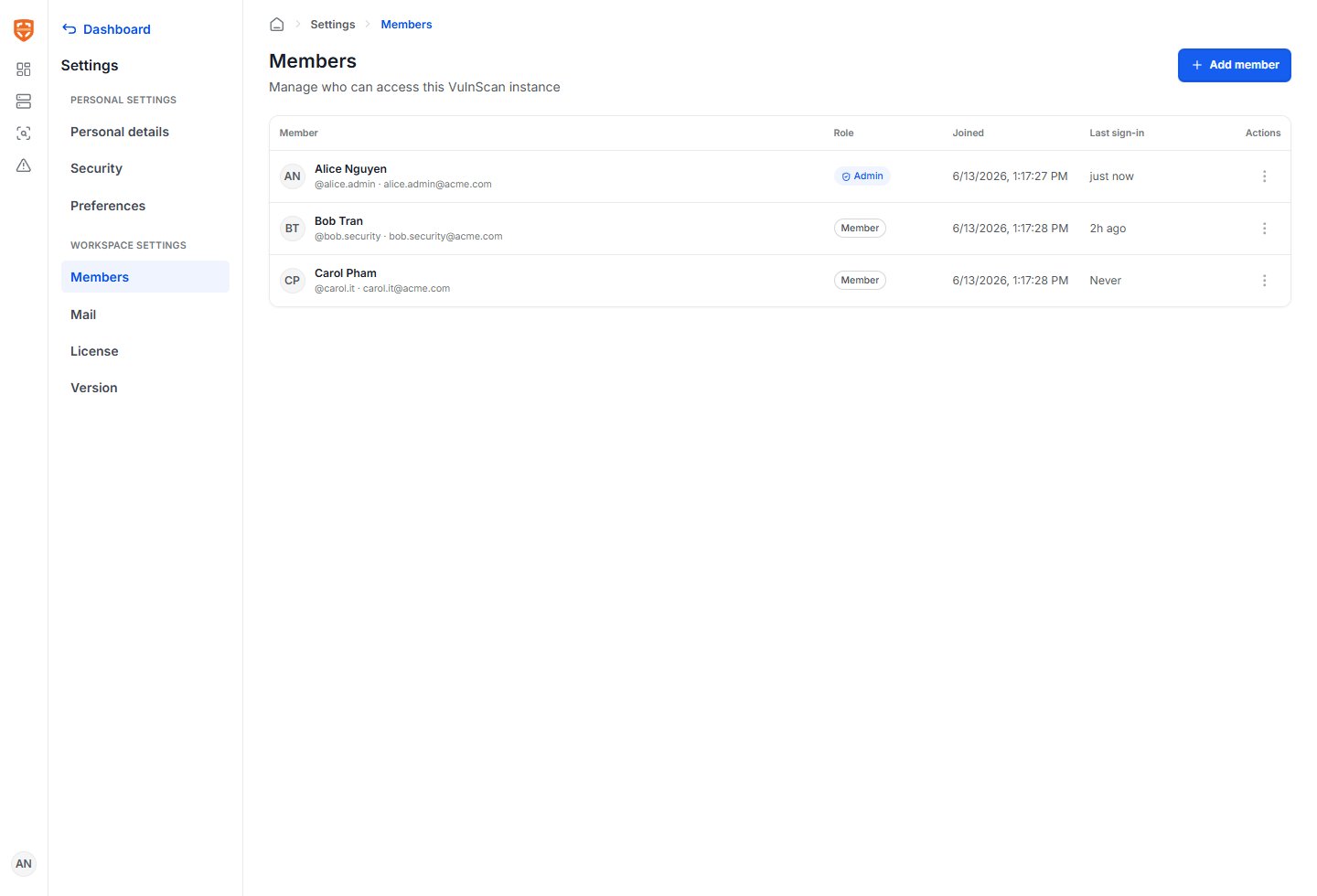
Administrators should complete three workspace tasks before production use:- Members: Invite users and assign either Admin or Member role.
- Mail: Configure SendGrid, AWS SES, or custom SMTP so invitations, scan-completed messages, and report-ready messages are delivered.
- License: Review allowed targets, target count, activation limit, expiration, and licensed features.