

Supported Asset Types
The active license controls which targets can be added and how many targets can be scanned. If an asset is outside the licensed scope, VulnScan blocks the operation before scanning begins.
Add an Asset
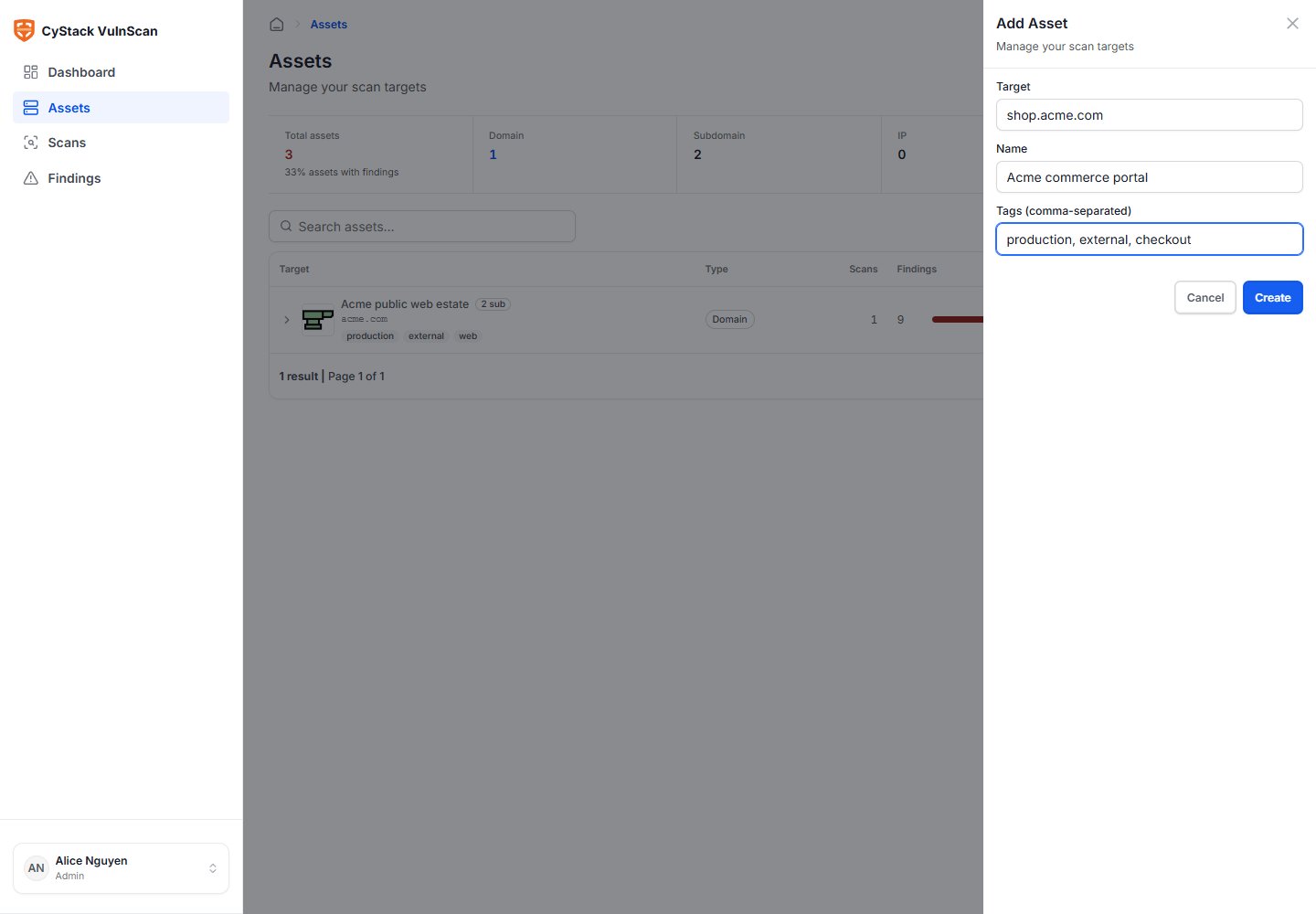
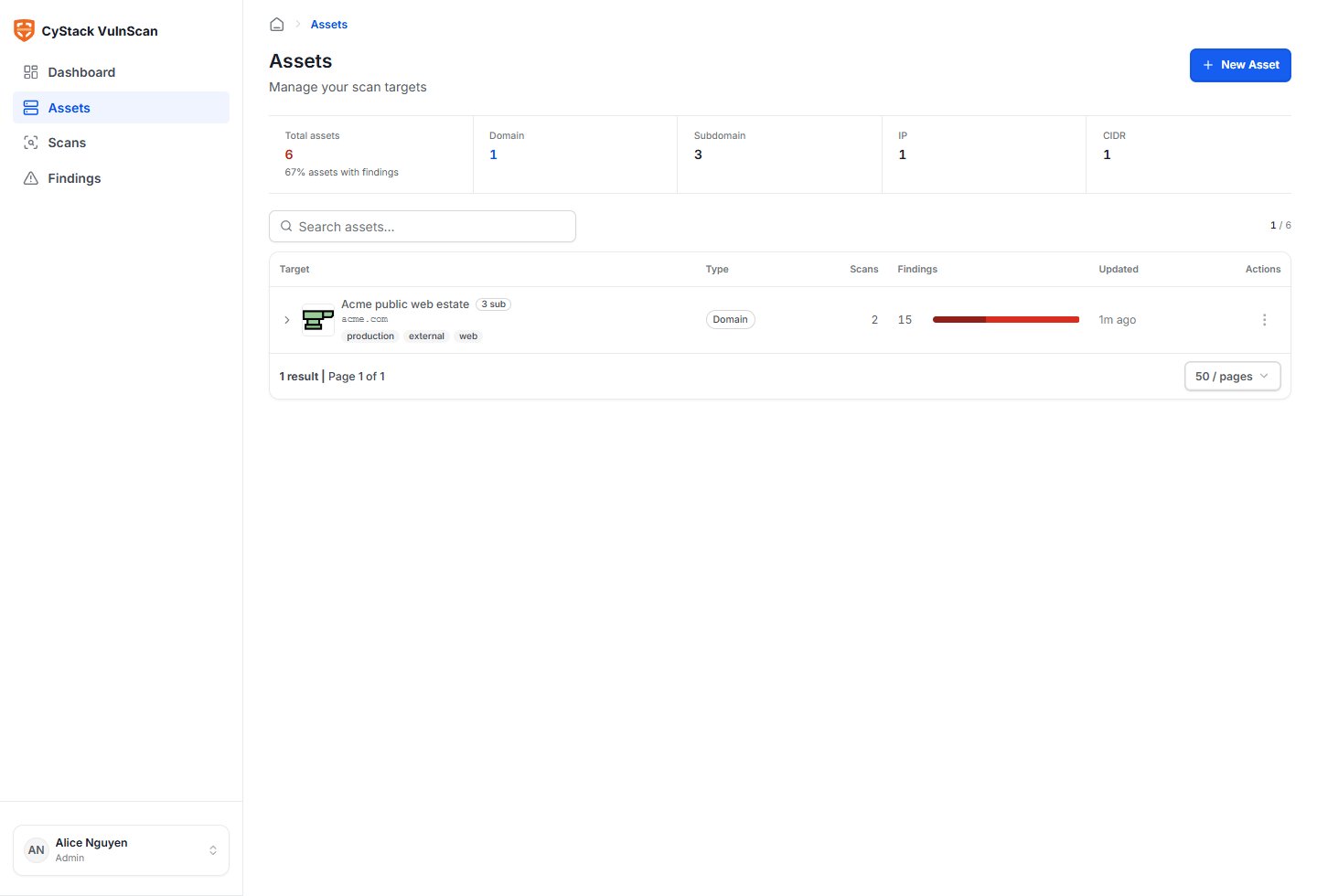
- Open Assets.
- Choose Add asset.
- Enter the domain, URL, IP address, or CIDR range.
- Add a clear name if the raw target is not meaningful to remediation teams.
- Add tags such as
production,staging,pci,customer-facing, or business unit names. - Save the asset.
Review Asset Detail
Open the asset detail page before running the first scan.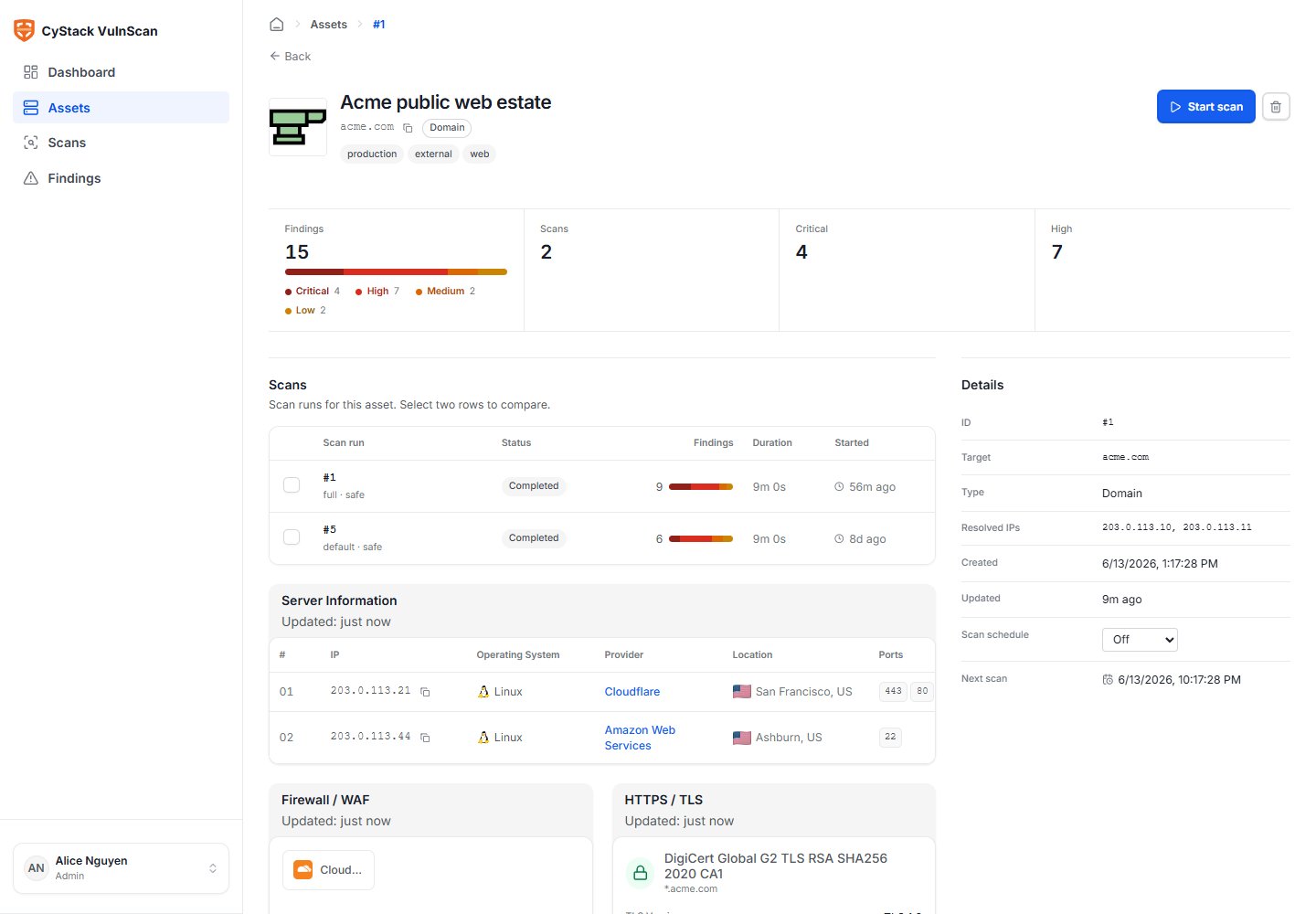
- Discovery summary: confirms whether the target resolves, responds, and exposes reachable services.
- Subdomains: shows discovered subdomains associated with a root domain.
- Ports and services: identifies exposed TCP services, web servers, and application endpoints.
- Technologies: shows frameworks, CMS, JavaScript libraries, server software, and application components where detectable.
- WAF/CDN: identifies fronting services such as Cloudflare where signatures are visible.
- TLS: shows protocol support, certificate validity, issuer, expiration, and health.
- Recent scans: connects the asset to scan history and finding trend.
Discovery Signals
VulnScan uses multiple discovery techniques to build an accurate asset picture:- DNS and subdomain enumeration.
- Live host probing.
- Port scanning and service detection.
- HTTP and HTTPS probing.
- Technology fingerprinting.
- TLS certificate inspection.
- WAF/CDN detection.
- Service banner collection.
- Application endpoint and metadata discovery where safe.
Subdomain Handling
For a root domain such asacme.com, enable subdomain discovery when you want VulnScan to assess the wider external attack surface. Discovered subdomains can reveal forgotten applications, temporary environments, exposed admin panels, test APIs, old marketing sites, and shadow IT.
Use subdomain discovery carefully for very large domains:
- Start with a discovery-only review if the organization has many subdomains.
- Exclude systems that are out of testing scope.
- Use tags to separate production, staging, internal-facing, and third-party-hosted assets.
- Review license limits before scanning all discovered hosts.
Target Normalization
VulnScan normalizes targets before storing and scanning them:- URLs are normalized into scheme, host, and path.
- Domains are normalized to lowercase hostnames.
- IP addresses and CIDR ranges are validated before queueing.
- Duplicate targets are deduplicated where they represent the same asset.
- Findings are linked to canonical asset records to keep history consistent.
When to Split Assets
Use separate assets when ownership, business criticality, scan frequency, or authentication context differs. Good examples:www.acme.comandadmin.acme.combelong to different teams.api.acme.comneeds an API token, whilewww.acme.comis public.203.0.113.0/28contains both production and test services.- A PCI-scoped application needs a separate reporting workflow.
Asset Quality Checklist
- The target is included in the active license.
- The asset name is understandable to non-security owners.
- Tags identify environment and owner.
- Discovery results match what the team expects.
- Unexpected services are reviewed before scanning.
- Authentication context is prepared for applications behind login.
- The first scan is run on a focused scope before expanding to all subdomains.