

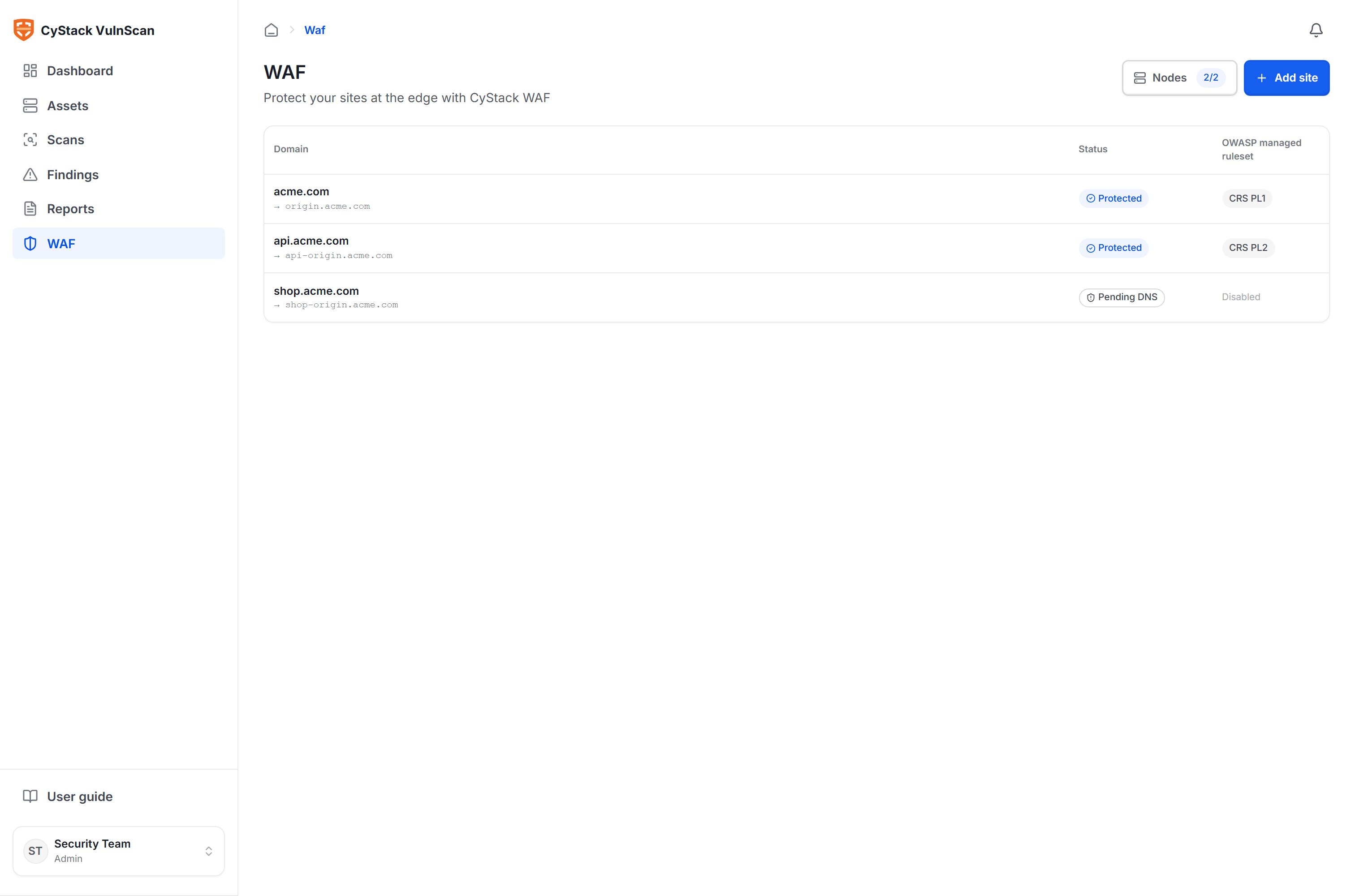
Why you need a WAF at the edge
A vulnerability scan tells you what risks your organization currently has, but it does not stop an attacker from exploiting them during the time it takes to patch. This window often lasts days to weeks. An edge WAF narrows that gap:- Blocks attacks before they reach the application using a managed OWASP ruleset, with no source code changes required.
- Virtually patches vulnerabilities right after a scan, turning findings into protection within minutes.
- Reduces automated attack load such as brute-force, scanning, and bots through rate limiting and access control by IP, country, or ASN.
- Provides traffic visibility with security events, suspicious sources, and real-time analytics.
- Deploys flexibly on your organization’s own infrastructure (self-operated edge nodes), keeping full control over your data and the path your traffic takes.
Architecture and traffic flow
CyStack WAF works as a reverse proxy: your organization points its domain names to the edge nodes that you operate. Each request passes through a node, is inspected by the WAF engine, and is only forwarded to the origin if it is valid. The VulnScan console acts as the central management layer: the place where administrators declare sites, configure rules, and monitor events. Configuration is synchronized to every edge node over an encrypted channel; nodes report back their health status and traffic logs.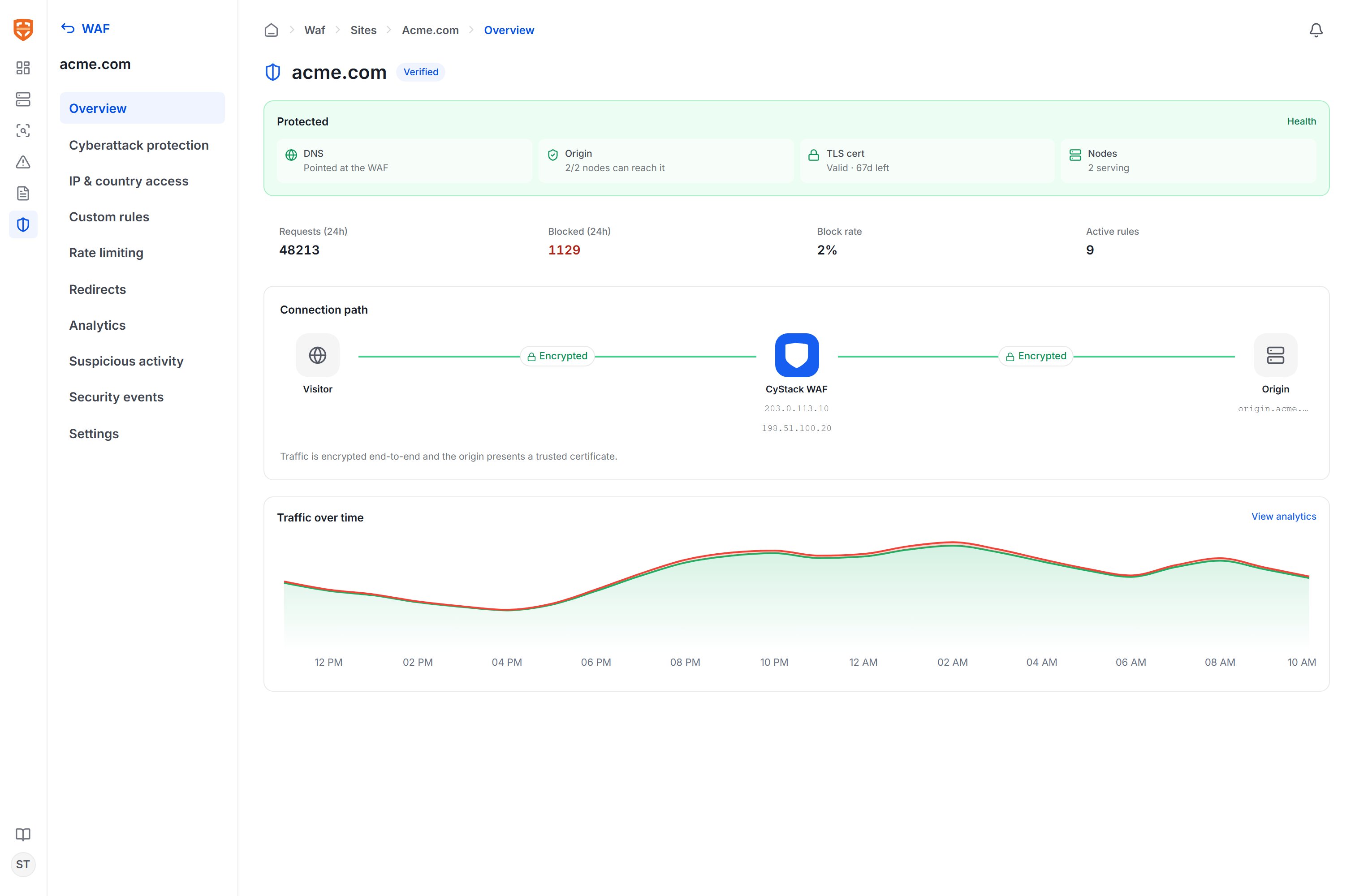
Key concepts
How the WAF works with scan results
The WAF and the VulnScan vulnerability scanner complement each other within the same workspace:- VulnScan scans assets and discovers web vulnerabilities.
- The AI layer proposes virtual patch rules for vulnerabilities that can be mitigated at the HTTP layer.
- An administrator reviews and applies the rules to the corresponding site.
- The edge node blocks exploit requests that match the vulnerability signature.
- The monitoring page shows how much real attack traffic the rule is blocking.
General deployment workflow
To start using the WAF, your organization performs four main steps:- Install edge nodes on one or more of your organization’s servers and let them connect back to the console. See Edge nodes.
- Add the sites you want to protect, declare their origins, point DNS to the edge nodes, then verify. See Add & verify sites.
- Enable protection rules: activate the managed OWASP ruleset and add custom rules or virtual patches. See Protection rules.
- Monitor and tune through events, suspicious sources, and traffic analytics. See Monitoring & analytics.
The WAF feature requires a license with WAF usage rights. If the WAF section is not visible or is locked, contact the CyStack sales team at sales@cystack.net.