> ## Documentation Index
> Fetch the complete documentation index at: https://docs.cystack.net/llms.txt
> Use this file to discover all available pages before exploring further.
# Web Access History
> Guide to using the Web access history feature
**Use Cases**
* Monitor employee compliance with workplace policies and remind/warn employees when they visit distracting websites during working hours.
* Facilitate incident investigation and root cause analysis in the event a device is compromised by accidental access to malicious domains.
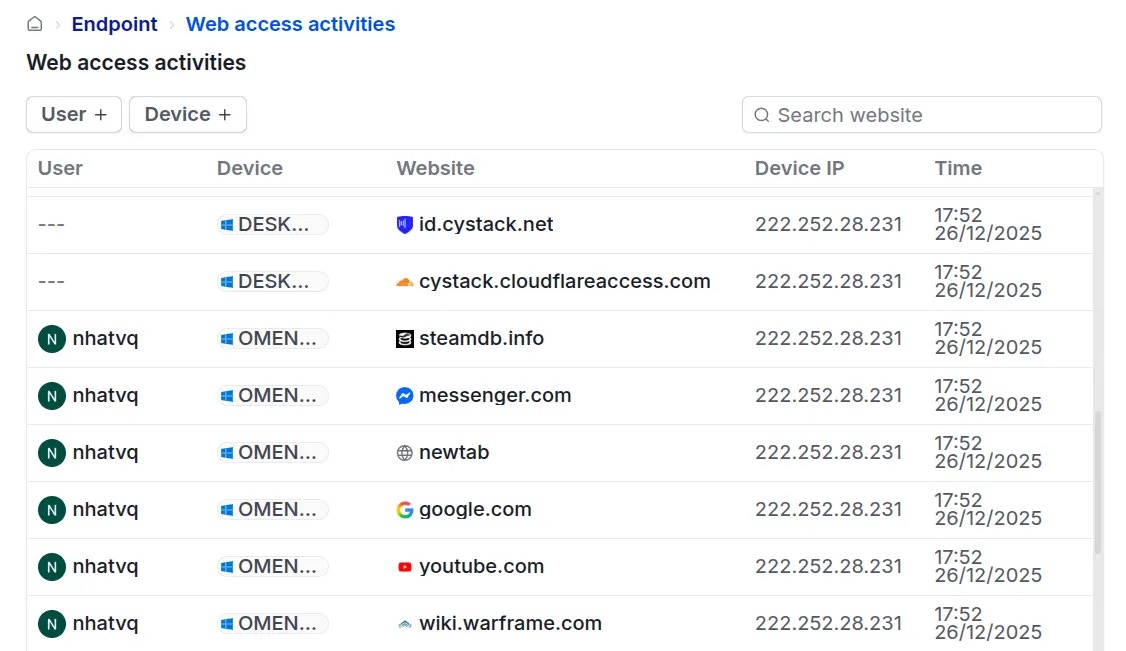
To monitor employees' web access history, navigate to **Endpoint** {'\u2192'} **Activity logs** {'\u2192'} **Web activities**.
The system records and displays the following information:
* User, accessed URL/Domain, device IP address, and timestamp.
* If a user attempts to access a website restricted by configured security policies, a Blocked tag will appear next to the corresponding entry.