> ## Documentation Index
> Fetch the complete documentation index at: https://docs.cystack.net/llms.txt
> Use this file to discover all available pages before exploring further.
# Create an Account
> Get started with **CyStack Platform**
**CyStack Platform** is a centralized security management platform providing actionable visibility, enabling technical teams and leadership to quickly assess security posture and make informed decisions.
The platform integrates a comprehensive suite of data protection tools for enterprises: device monitoring, password and secret key management, data leak detection, automated vulnerability scanning, and project management. All within a single unified platform.
## Create a CyStack Account
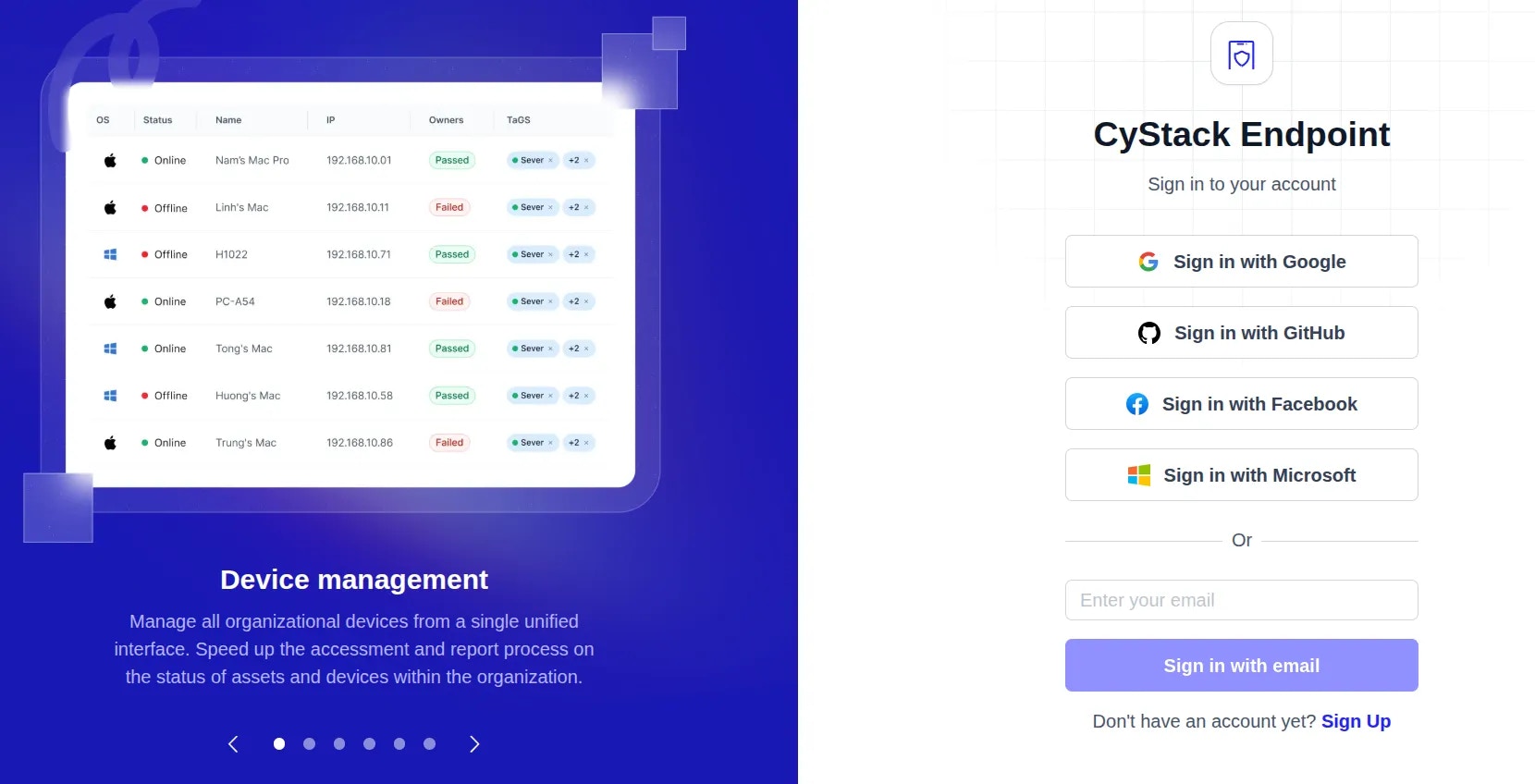
To get started with **CyStack Platform**, visit the [Sign Up](https://id.cystack.net/register?SERVICE_URL=%2Fdevices%2Fhosts\&SERVICE_SCOPE=whitehub\&ENVIRONMENT\&INNER_SERVICE=endpoint) page. Users can create an account using one of the following methods:
* **SSO**: Quick registration using a Google or GitHub account linked to your business email.
* **Business Email**: Enter your business email address to create a new account.
 ***
## Create a Workspace and Get Started
Once your account is successfully created, follow these steps to begin using the platform:
Enter the required information and click the
***
## Create a Workspace and Get Started
Once your account is successfully created, follow these steps to begin using the platform:
Enter the required information and click the Initiate workspace button.
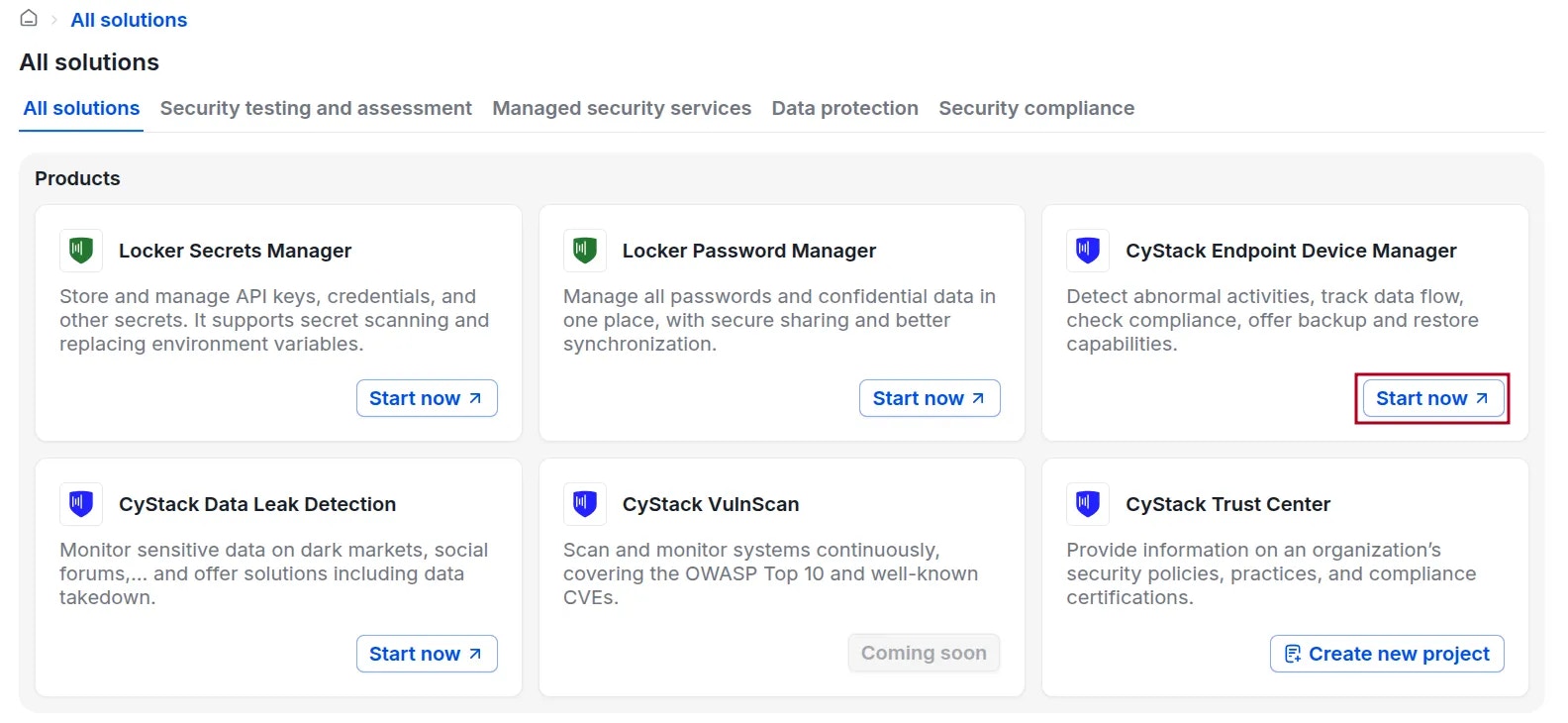
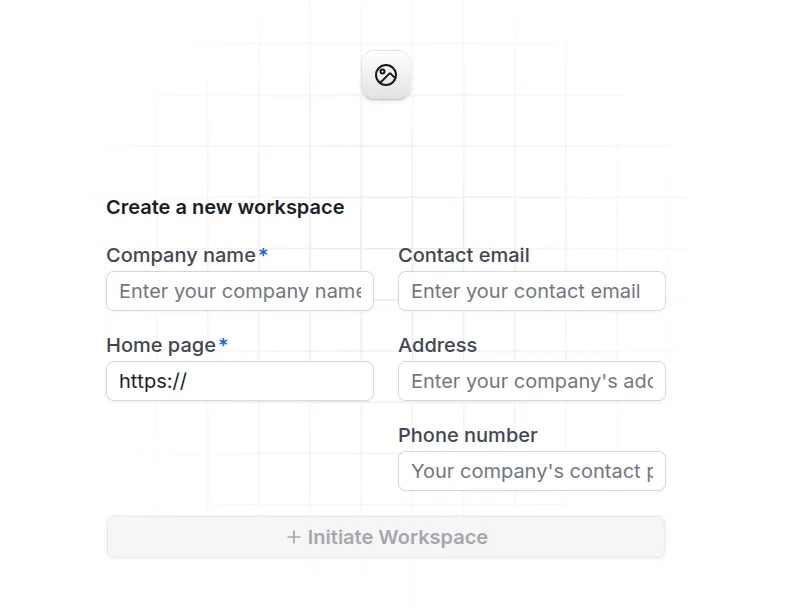 After creating the workspace, navigate to **All solutions** {'\u2192'} click the
 Start now button for the product **CyStack Endpoint Device Manager**.
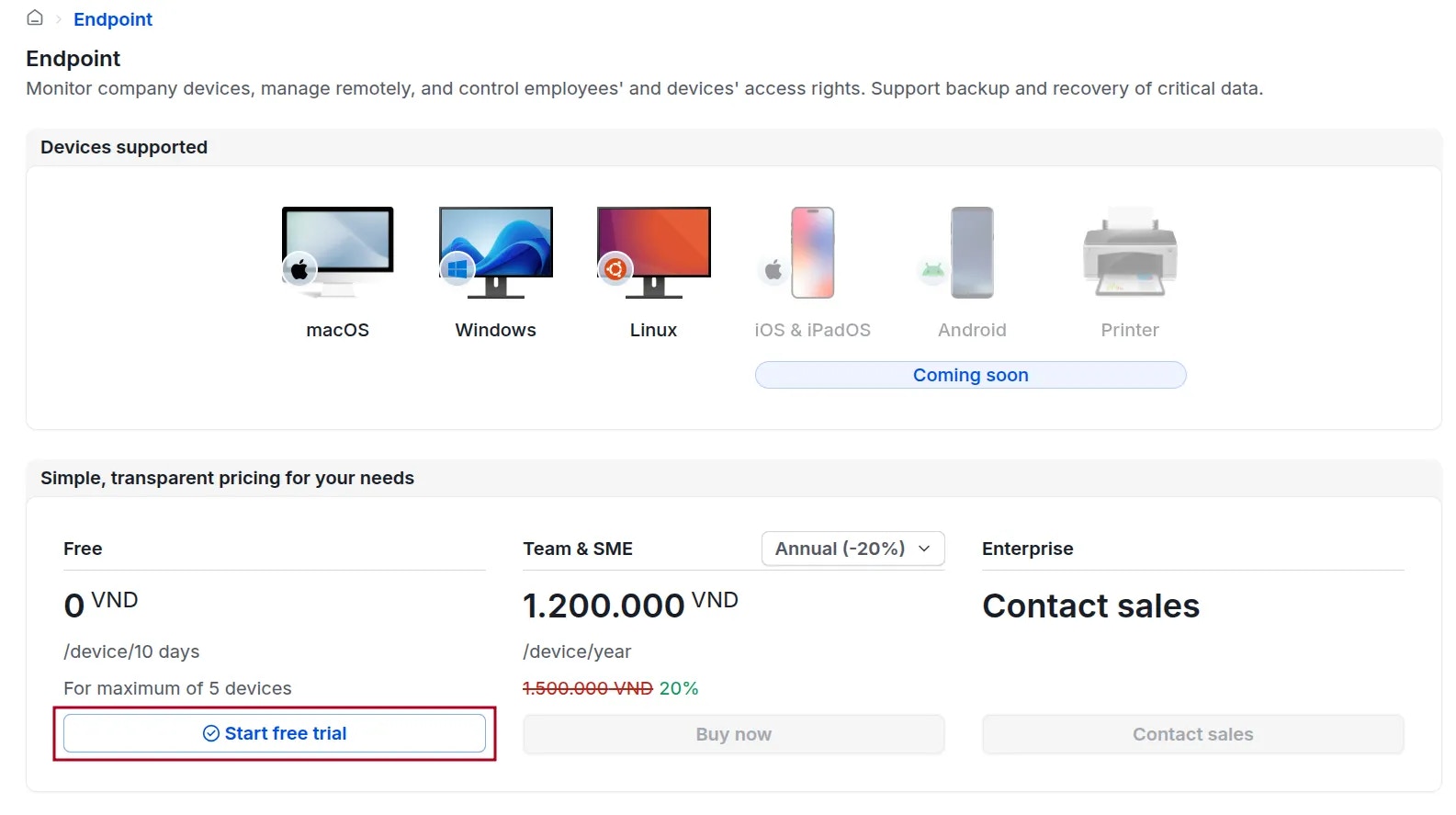
 On the Endpoint plans page, select either
 Start free trial or Buy now, then provide the necessary details to activate the service.
 Upon successful registration, you will receive an email containing instructions on how to start using the product.
CyStack will generate a customized Agent installer for your organization (this process takes about 3-5 minutes). Administrators will be notified via email once the installer is ready.
Locate the installer at: **Endpoint** {'\u2192'} **Device** {'\u2192'} click the
Upon successful registration, you will receive an email containing instructions on how to start using the product.
CyStack will generate a customized Agent installer for your organization (this process takes about 3-5 minutes). Administrators will be notified via email once the installer is ready.
Locate the installer at: **Endpoint** {'\u2192'} **Device** {'\u2192'} click the Install agent button.
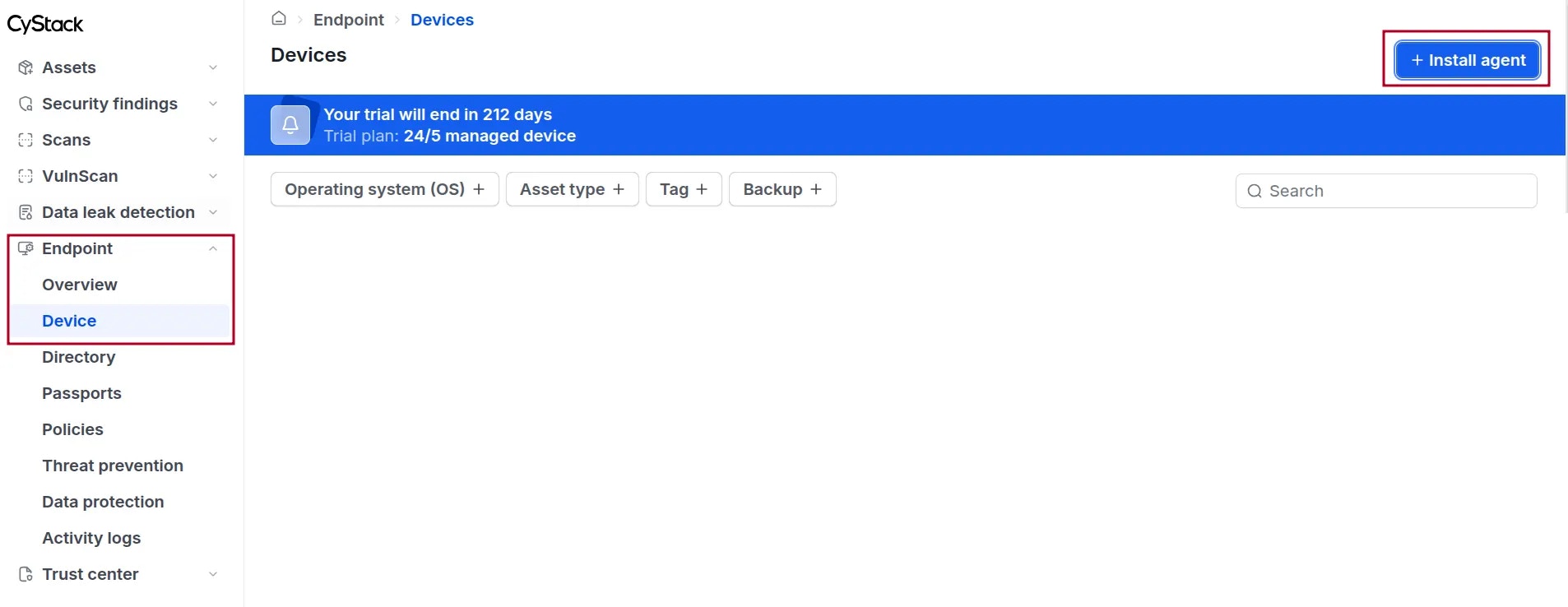 Administrators may ask users to download and install the Agent on the devices to be managed. [View detailed instructions](/endpoint/agent)